Productivity●Mid
DeckWeaver – Create AI-powered Google Slides presentations in minutes
AI slide generator for Google Slides when Gamma and Beautiful.ai already dominate.
Slick
BjoernKW
102mo ago
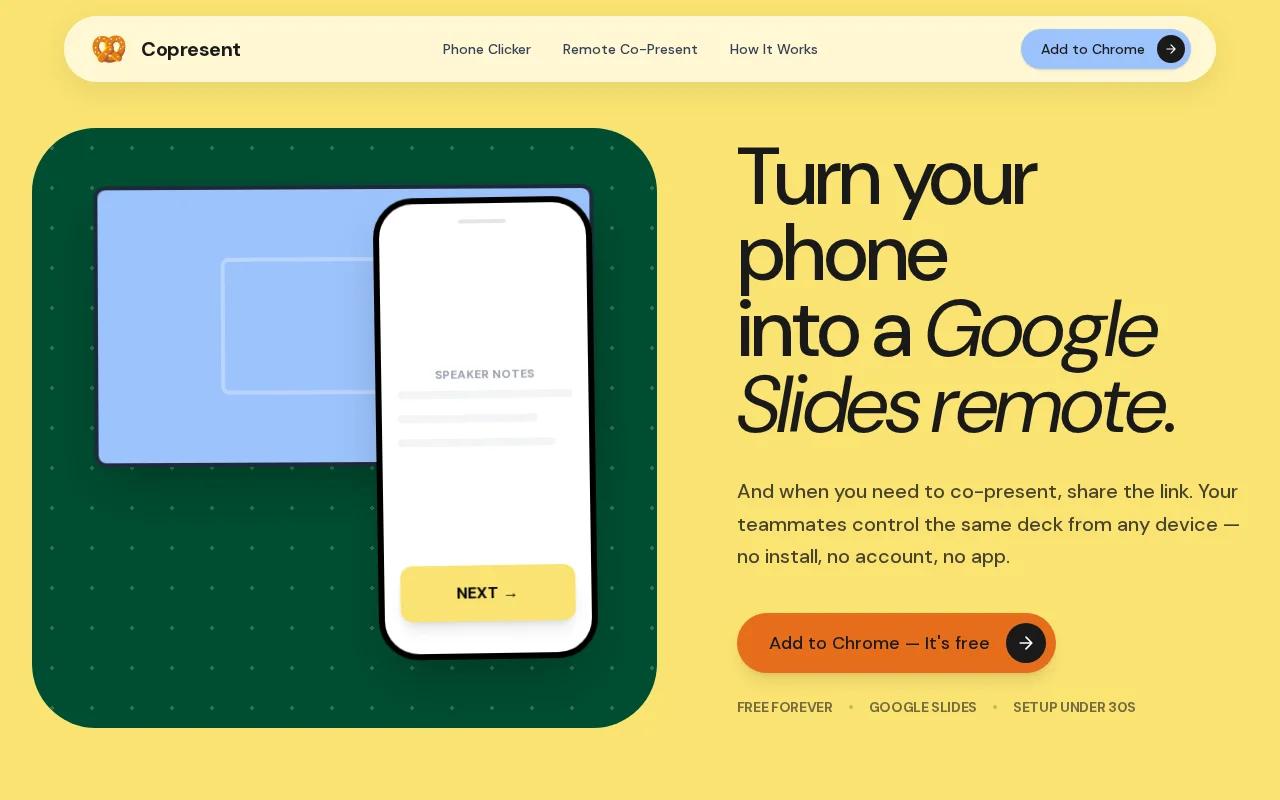
Bypasses Google's paid co-presenting lock with zero-install guest access.
Students, teachers, and small teams using free Google Slides accounts
Remote for Slides · SlideRemote · Presenteer
It does two things:
1. Turns your phone into a Google Slides remote. Open a link, swipe to advance, and read your speaker notes off the phone while you walk around the room. No dongle.
2. Lets several people drive the same live deck. You share one link. Up to 10 co-presenters can take control from any browser, on any device - no install and no account for anyone but the host.
I built it because Google locked native co-presenting behind paid Workspace tiers (Business Standard and up). If you're on a free account like most students or small teams - there's no way to hand off slide control mid-talk without the "next slide please".
Only the host installs a Chrome extension. Everyone else just opens a link. Your slides never leave Google Slides - the deck isn't uploaded or stored anywhere.
Happy to go into the technical side in the comments. Feedback very welcome.
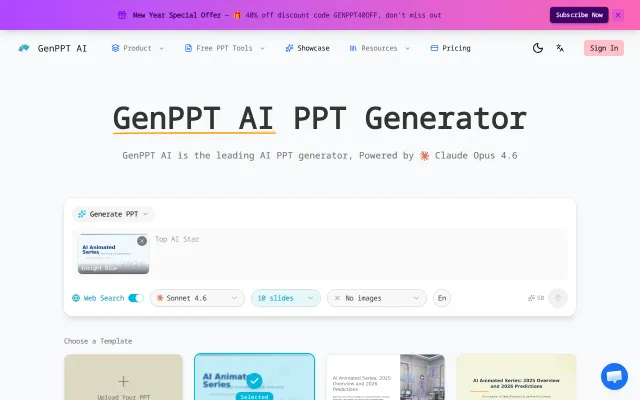
AI slide generator for Google Slides when Gamma and Beautiful.ai already dominate.
Polished UI for a problem Gamma, Beautiful.ai, and Canva already own.
HTML-native slides avoid PowerPoint format hell but face steep competition from Gamma.
Slide capture command exports PNGs per slide specifically for AI review workflows.
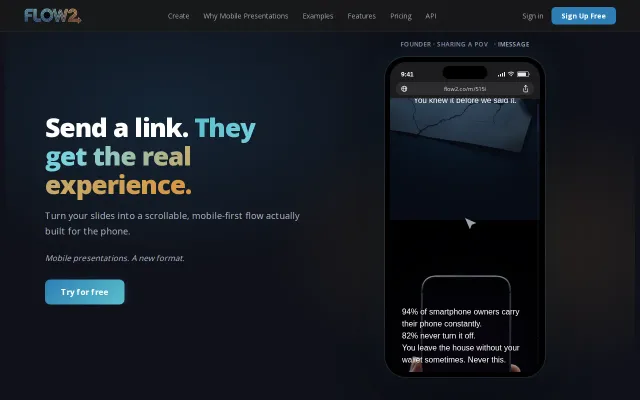
Mobile-first scrollable decks fix PDFs on phones, but Canva and Pitch already compete here.
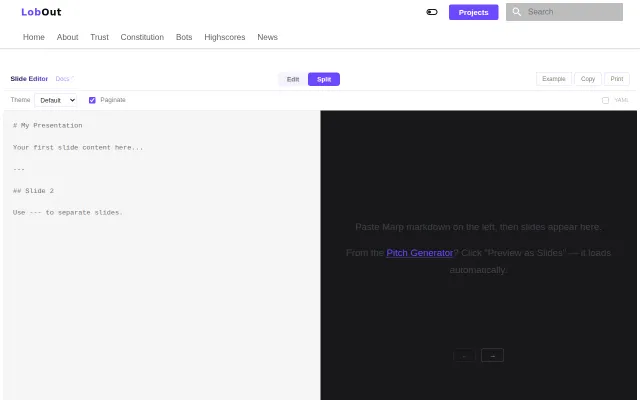
The interface is a straightforward split editor: Markdown on the left, slide preview on the right, with theme selection, paginate/YAML toggles and quick export/print actions. It doesn't reinvent slide tooling — it's basically Marpit glued to a tidy web editor — but if you live in Markdown this is a convenient, low-friction way to produce slide decks quickly. I'd like to see clearer export options (PDF/speaker notes) and integrations, but for quick technical talks it does the job.