SaaS●Mid
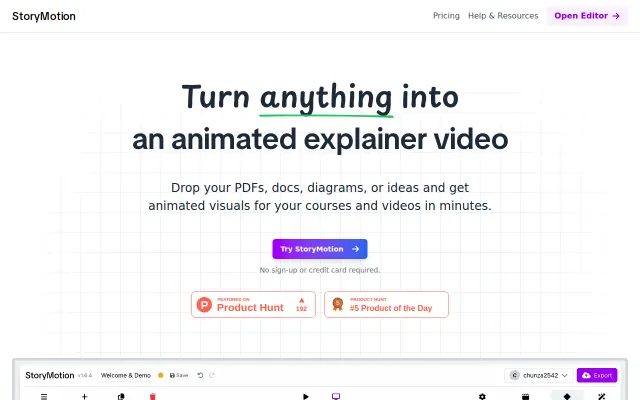
StoryMotion – an editor for whiteboard explainer animations
Excalidraw integration is nice, but Vyond and Animaker already own this space.
SlickCrowd Pleaser
chunza2542
2024d ago
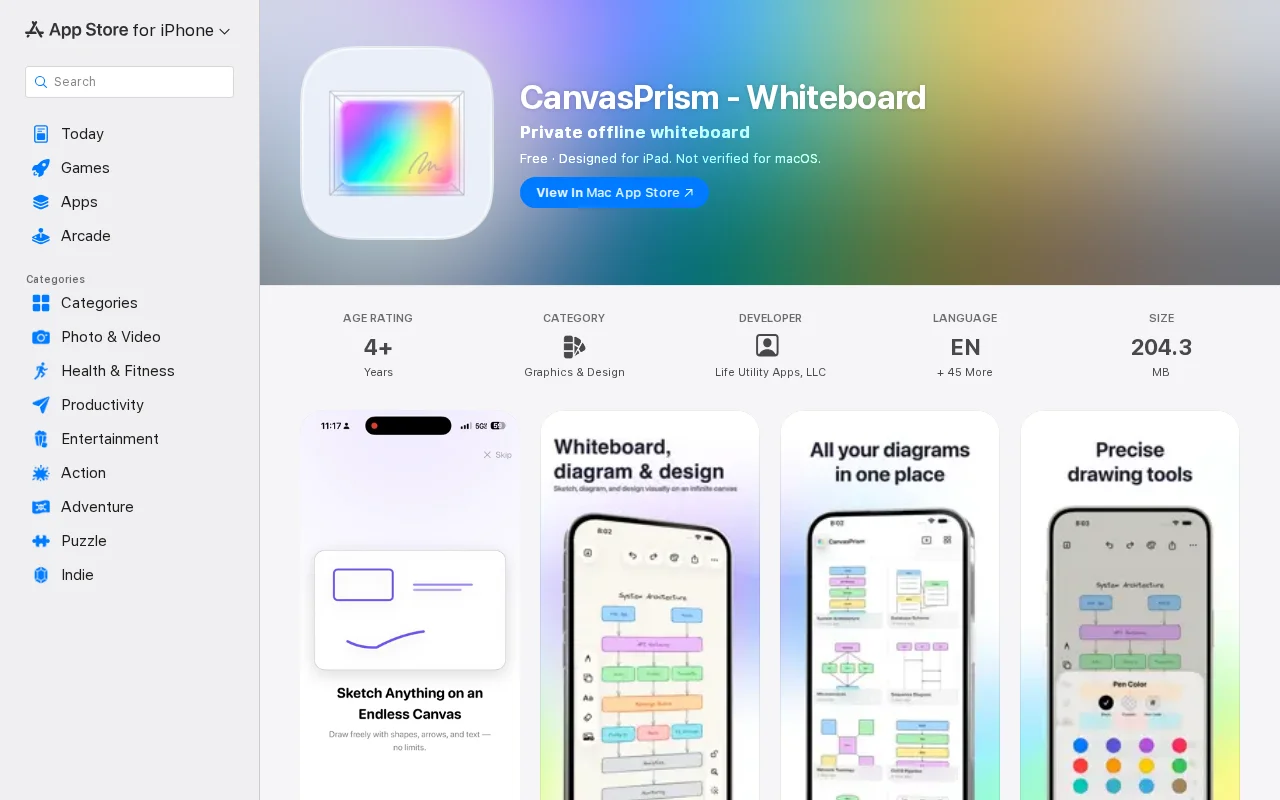
Excalidraw wrapped for iOS with AirPlay laser pointer — useful but not novel.
iPad users, mobile designers, note-takers
Excalidraw · Apple Freeform · Miro
Excalidraw integration is nice, but Vyond and Animaker already own this space.
No-signup whiteboard with Mermaid support when Excalidraw already does anonymous.
Desktop-layer canvas beats Excalidraw's browser window for persistent spatial notes.
Presentation mode and local storage for Excalidraw when the core tool lacks both.
Local Miro alternative but Commons Clause blocks commercial use entirely.
Just a YouTube demo of a whiteboard feature with no code or product to try.
![A whiteboard for your AI coding agent [video]](/screenshots/48136176_thumb.webp)