Hello!
I’m a big fan of tools and apps that make common (preferably all) actions directly accessible from the keyboard.
For example, I use Vimium every day, and it makes me so much faster. When I'm in the zone, using it feels like I'm "flying" :D
At the same time, people often use multiple displays with tons of windows open across multiple apps.
Switching between these using the mouse, cmd+tab or Spotlight (by typing the app's name) kinda works, but it's easy to lose your flow when doing so.
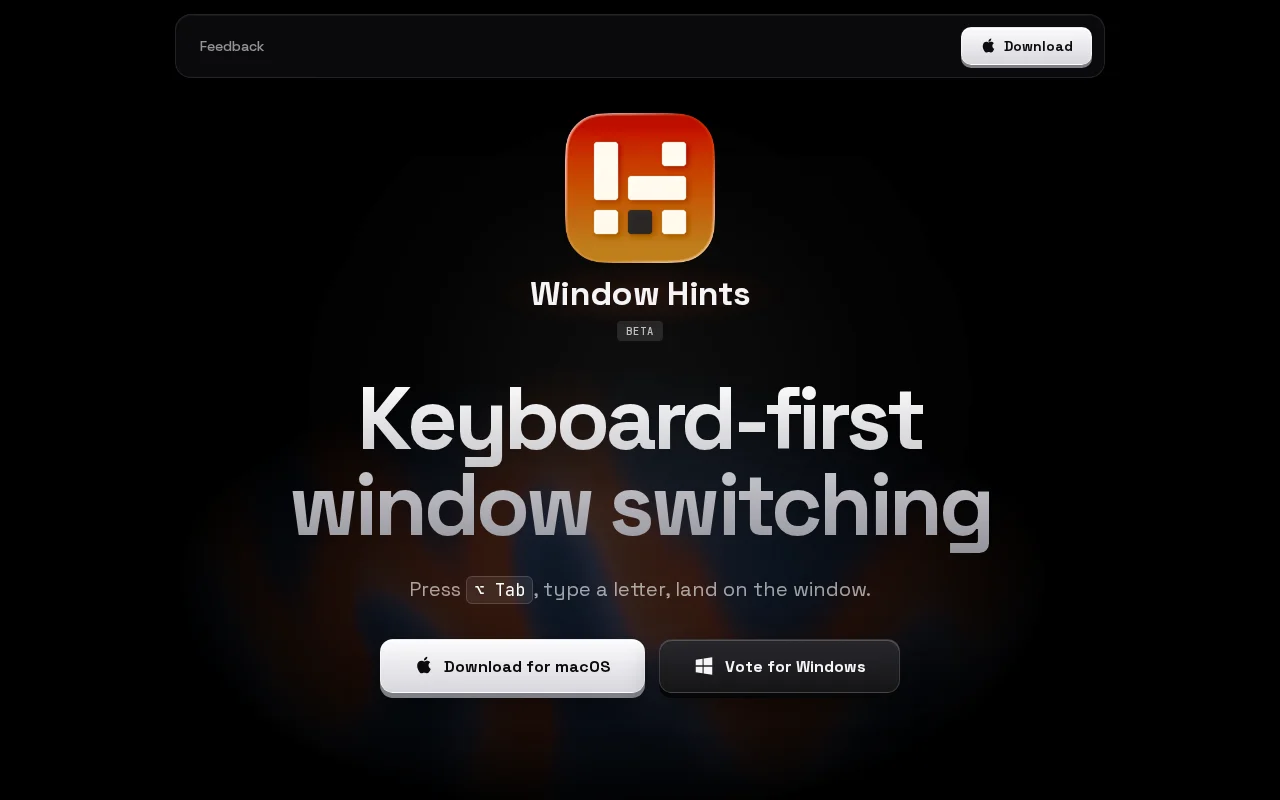
That's why I built Window Hints. It lets you jump directly to any window using only your keyboard.
To get a feel for how it works, it's best to watch some demos on the website:
https://windowhints.com
- When you press a keyboard shortcut, Window Hints shows labels over all visible windows. Type a label to jump to the corresponding window. You can also press the shortcut again to include buried windows.
- It also works when you reveal all windows with Mission Control (ctrl+↑ or swipe up with 3 fingers), as well as when Stage Manager is enabled.
- Additionally, some apps and tools allow you to create splits. Window Hints currently supports them in Chrome, Ghostty, and tmux. More integrations to come.
The app is native and weighs ~10MB. While it's already quite fast, I'm going to keep trying to squeeze every last bit of performance out of it.
(There are some challenges on macOS, though, especially with certain apps that can be slow to respond even when using just cmd+tab.)
I want to continue working on this while making it somewhat sustainable, so there is also a paid version: a lifetime license for $7.
Feature set stays the same, but every 50th use in the free version shows a mildly annoying pop-up that you can immediately dismiss. That's it.
Feedback is incredibly important to me at this stage, so I'd really appreciate your thoughts and ideas!
I will read every comment in this thread, but you can also submit feedback here: https://windowhints.com/feedback