Developer Tools●Mid
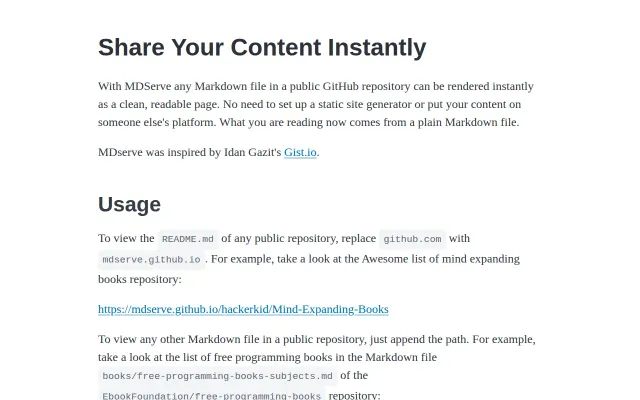
MDServe – Instantly render any GitHub Markdown file in the browser
GitHub already renders Markdown natively, making this proxy redundant for most use cases.
Cozy
robvanderleek
203mo ago
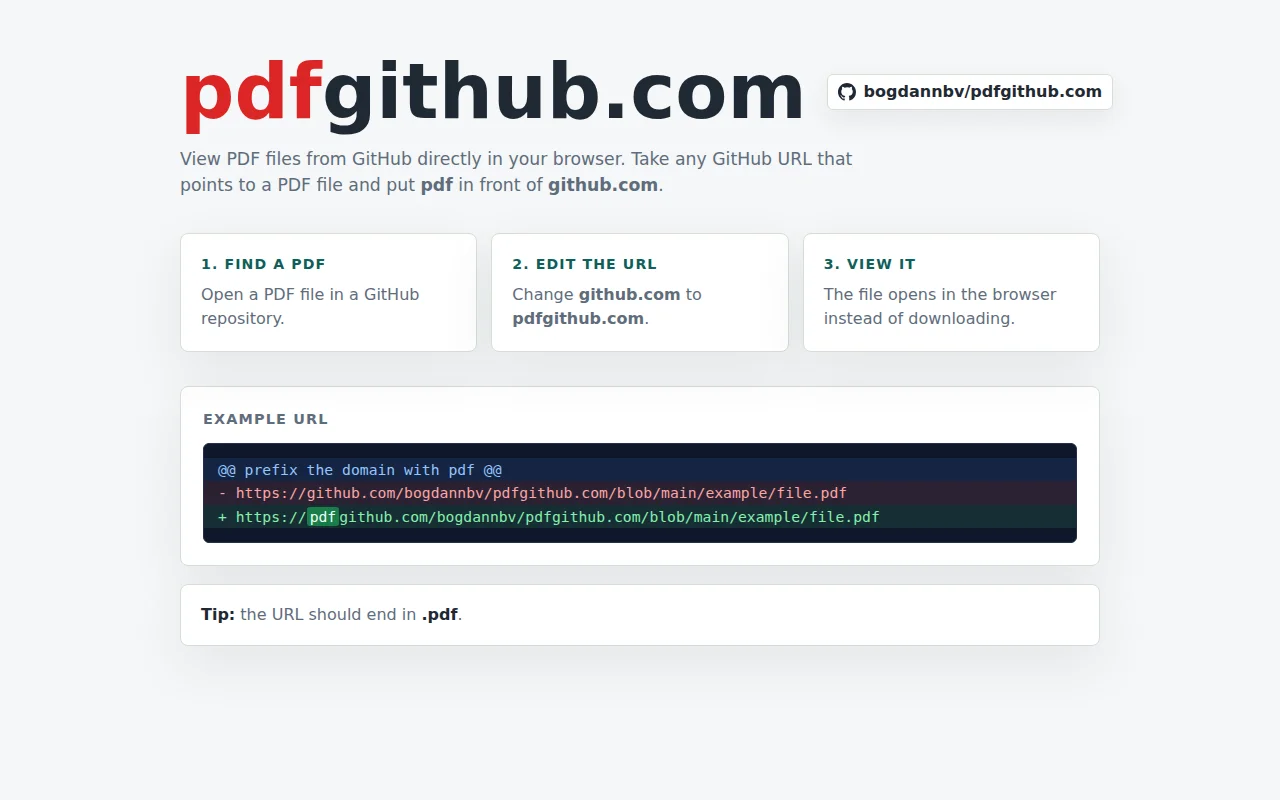
Simple domain hack for inline PDFs, but browser extensions already do this better.
Developers reading documentation or specs hosted on GitHub
GitHub Raw URLs · Open in Browser extension
After a dozen or so PDFs it got really old so I decided to make this tool.
How it works is you prefix any GitHub URL that points to a PDF file with "pdf" so instead of:
"github.com/bogdannbv/pdfgithub.com/blob/main/example/file.pdf"
It becomes
"pdfgithub.com/bogdannbv/pdfgithub.com/blob/main/example/file.pdf"
Now you'll be able to view the PDF directly in your browser, no downloads, no extra steps.
GitHub already renders Markdown natively, making this proxy redundant for most use cases.
Domains-first TUI cuts through Wireshark noise; live capture works but ecosystem dominated by tcpdump+Wireshark.
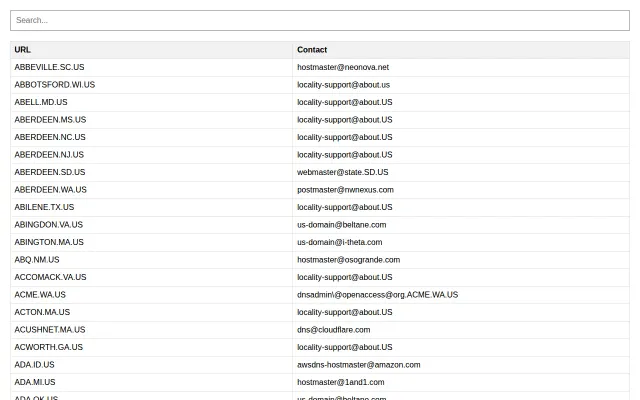
Finally exposes the messy reality of local government DNS admin contacts.
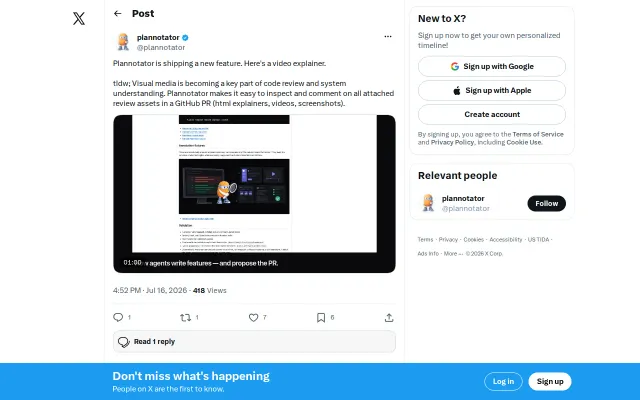
Tiny, well-scoped tool solving a real PR review friction point in AI era.
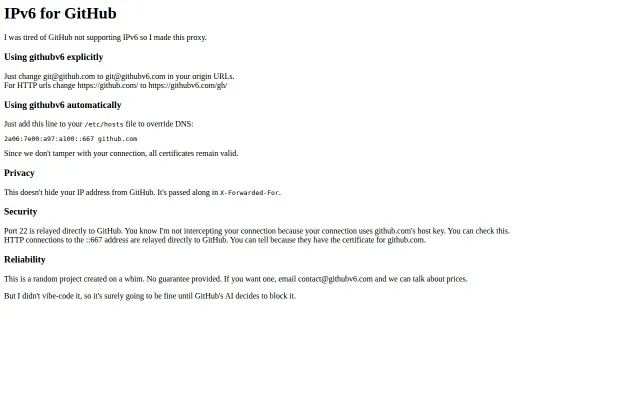
Finally fixes GitHub access for IPv6-only servers without needing a custom NAT64 gateway.
GitHub already displays these assets natively; this just reorganizes them into a grid.