Productivity●●Solid
ScreenTranslate – On-device screen translator for macOS (open source)
Keyboard-first macOS translation without context switching; runs entirely on-device.
CozySolve My ProblemShip It
hcmhcs0
353mo ago
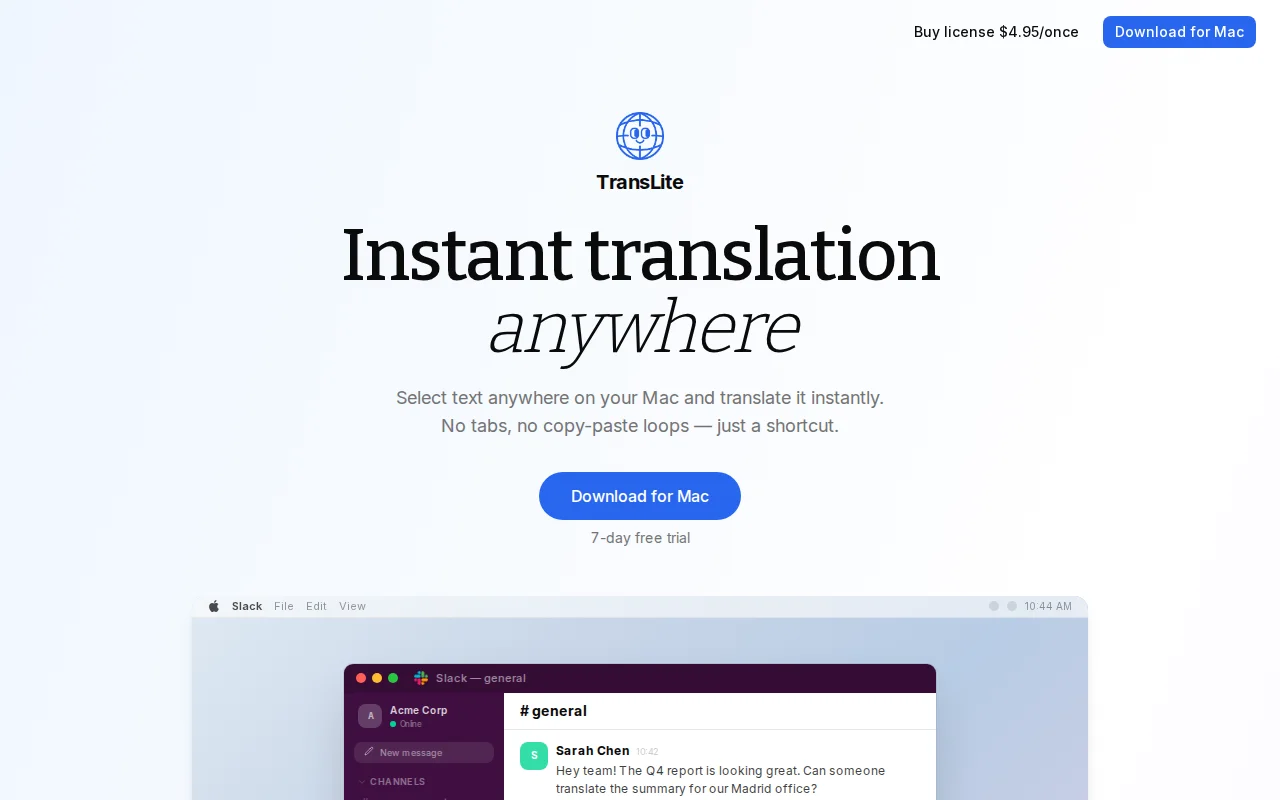
Select text, hit ⌘⇧T and the translated text is auto-pasted where you're typing — brutally simple and exactly the UX fix this tiny pain point needs. The BYO OpenAI/Claude key and local handling is the smartest privacy move here, but this is still an incremental utility rather than a new category; per-app presets, offline options, or smarter context handling would make it stand out.
macOS users who frequently translate text — remote teams, multilingual professionals, writers, customer support and anyone who wants faster translations
David from Spain here :)
I built TransLite because I was tired of breaking my flow every time I needed to translate something before sending it.
The usual workflow was: copy → open a browser tab → paste → translate → copy again → paste back.
I've created a small macOS menubar app that lets you translate the current clipboard instantly using a keyboard shortcut, in any app.
It works locally and supports using your own OpenAI / Claude API key.
It’s intentionally simple — no accounts, no tracking, no subscriptions.
Happy to answer any questions.
Best regards, David
Keyboard-first macOS translation without context switching; runs entirely on-device.
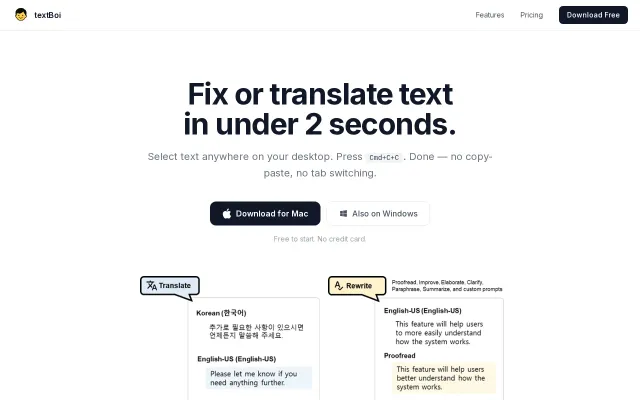
Hotkey-first proofreading/translation, but Grammarly and DeepL hotkeys already do this.
Yet another screen OCR translator when macOS Live Text already exists.
System-wide audio translation on macOS without cloud dependency.
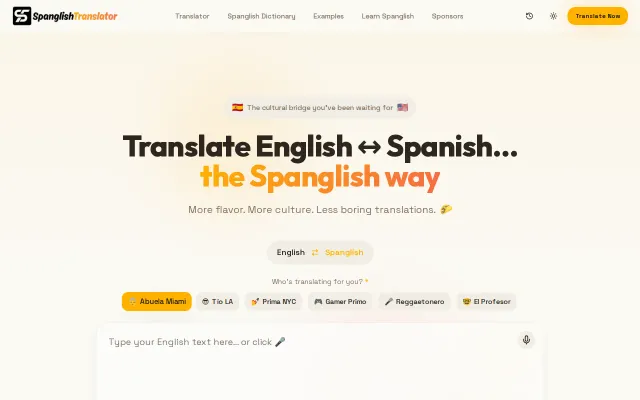
Persona-based tone switching captures cultural nuance better than Google Translate ever could.
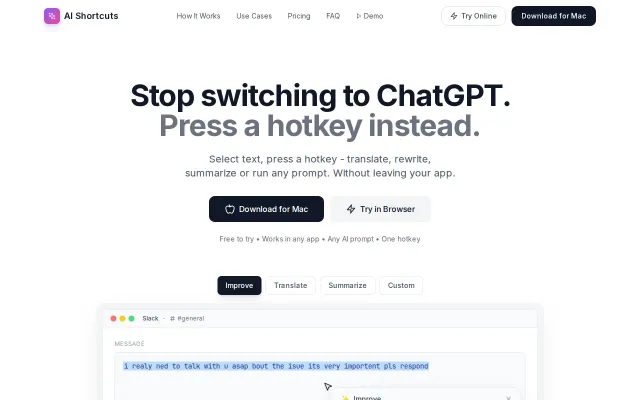
Turning any selected text into an instant AI edit with a single hotkey is a small UX idea that pays off — no more tab-switching or clipboard juggling. The BYO API key and customizable prompts/hotkeys are thoughtful: this keeps control (and costs) in your hands. It's not revolutionary — macOS already has a handful of similar utilities — but if the native accessibility hooks are robust and privacy is clear, this is exactly the kind of convenience tool people will use daily.