Productivity●Mid
LuxShot – Open-source, native macOS OCR utility
GUI wrapper around Apple's Vision Framework, but it's free and open source.
Cozy
lukeiodev
102mo ago
Yet another screen OCR translator when macOS Live Text already exists.
Language learners, macOS users watching foreign content
TextSniper · CleanShot X · Google Translate screen capture
I built Circle2Search because I’ve been learning Swedish by watching shows with Swedish audio and subtitles, and I kept running into the same problem: whenever I missed a word or phrase, I had to pause, type it into Google Translate manually, and completely break the flow of watching.
So I made a macOS app to make that much faster.
Right now, Circle2Search helps translate text directly from the screen. The longer-term goal is to make it feel more like a true desktop “circle to search” experience, where interacting with text on screen is much more direct and seamless.
It’s open source, but the current setup is still early: you need to run the backend yourself and provide your own Google Translate API key.
I’d especially love feedback on:
- whether this is a problem other people run into - whether the current UX feels useful enough in practice - what would make this worth keeping installed on macOS
a quick demo: https://vimeo.com/1182792629?share=copy&fl=sv&fe=ci
GUI wrapper around Apple's Vision Framework, but it's free and open source.
Keyboard-first macOS translation without context switching; runs entirely on-device.
ScreenCaptureKit + Claude Vision for contextual Mac help when family calls confused.
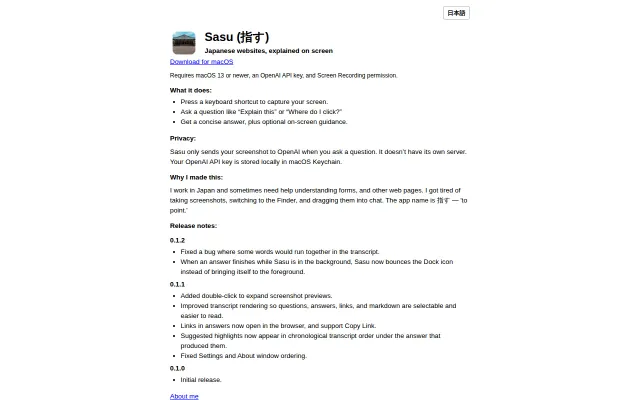
Finally, a tool that solves the 'copy-paste to chat' friction for non-native web browsing.
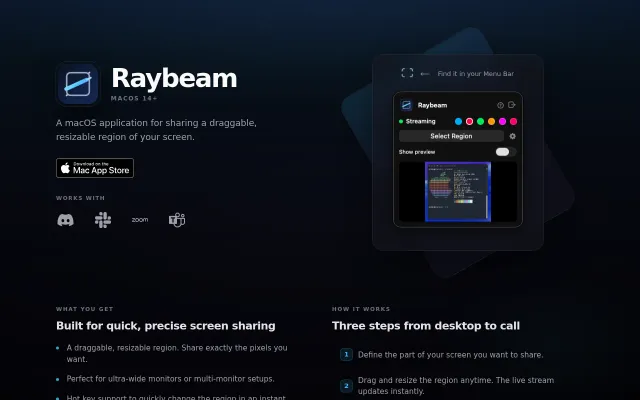
Virtual camera output for draggable screen regions solves the ultra-wide monitor sharing pain.
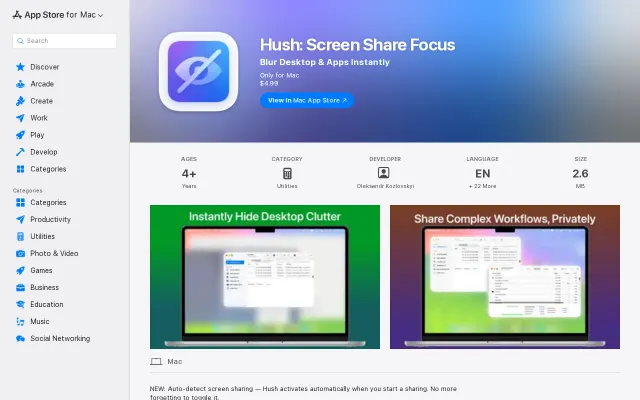
Auto-detects screen sharing via CGS API to blur desktop clutter instantly.