Developer Tools●●Solid
VeryBot – Self-hosted AI assistant for work
Self-hosted task agent with Telegram/Discord/Slack integration, but orchestration is solved ground.
Ship ItSolve My Problem
verybot
103mo ago
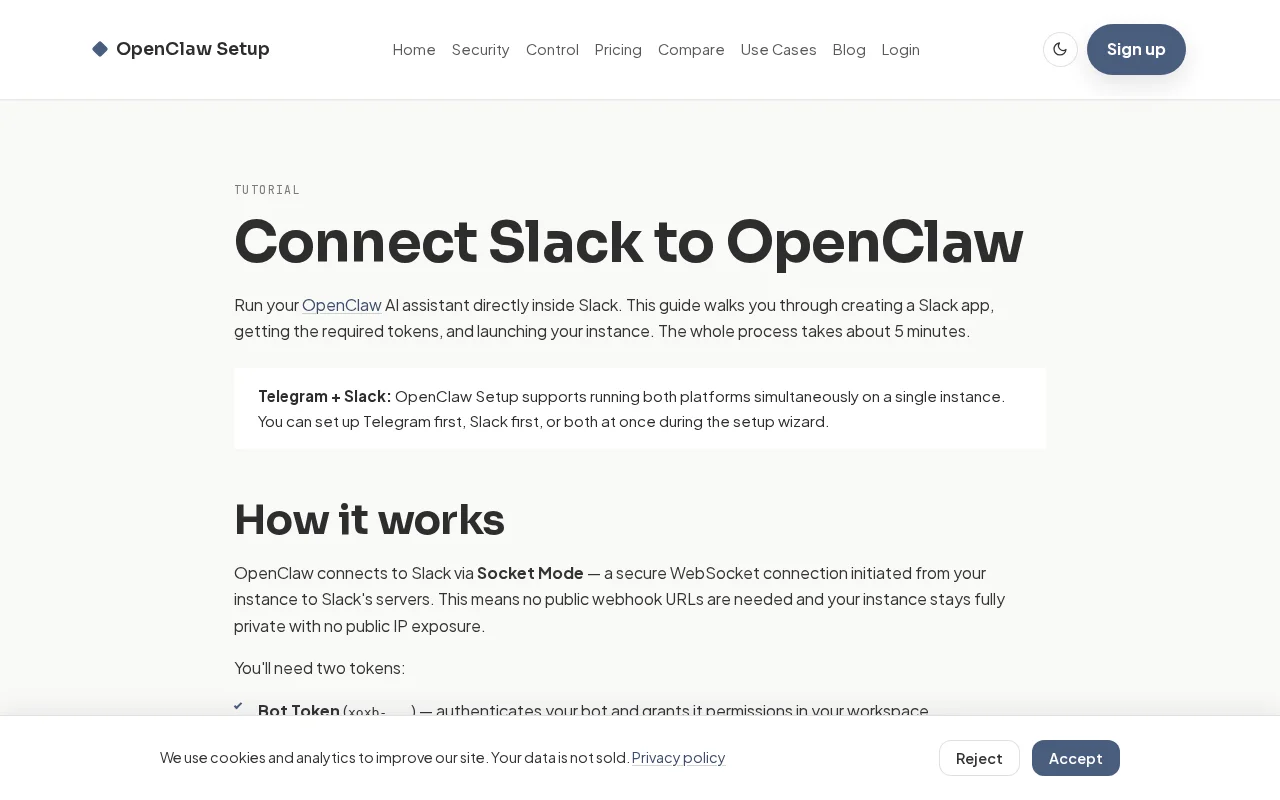
Nice, no-fluff onboarding: step-by-step Slack app setup, enabling Socket Mode (so you avoid public webhook URLs), and clear instructions for grabbing xoxb/xapp tokens — everything you actually need to get an OpenClaw bot running. The hosting add-on that manages ENV, agent state, Telegram+Slack on one instance and CLI auth is the practical win here for people who want to skip deployment headaches. It isn't groundbreaking, but it's a tidy, useful play for a narrow but real audience.
Developers and operators who want to deploy and host private AI assistants in Slack/Telegram workspaces
Check out our tutorial for setting this up: https://openclaw-setup.me/tutorials/slack/
OpenClaw setup also provides a free and feature-rich managed hosting for OpenClaw: secure setup, Telegram + Slack, ENV and agent state management, CLI tooks authentification and much more: https://openclaw-setup.me
Self-hosted task agent with Telegram/Discord/Slack integration, but orchestration is solved ground.
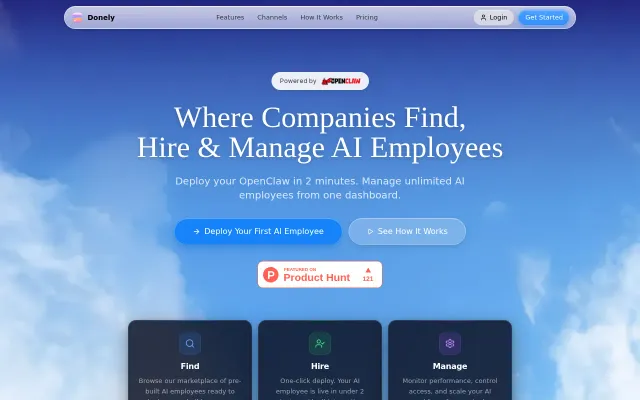
Vercel for OpenClaw agents: multi-tenant dashboards and billing for scaling agencies.
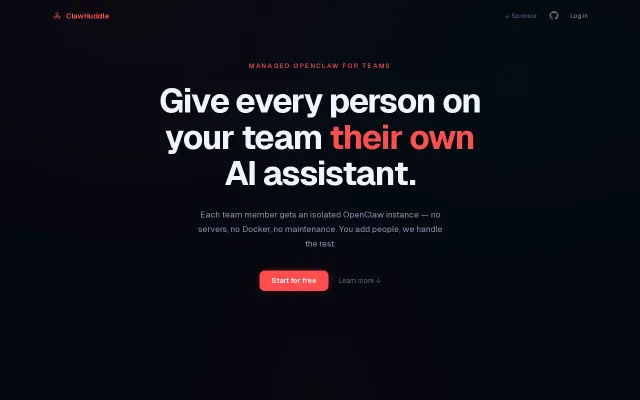
Turns 60-minute-per-person OpenClaw setup into a 2-minute invite, but only solves for one framework.
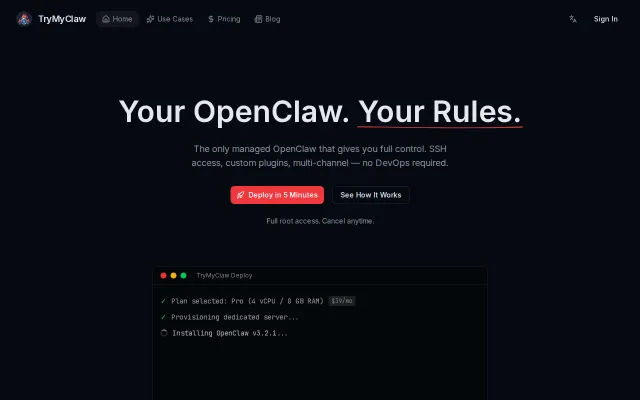
Full SSH root access on managed OpenClaw hosting beats black-box alternatives.
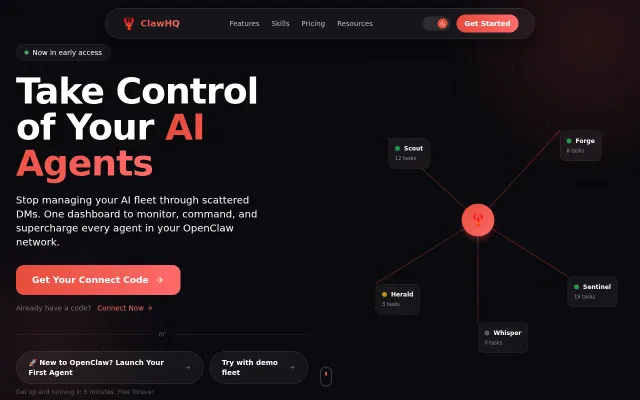
Real-time fleet view with heartbeat monitoring, drag-and-drop task kanban, and a unified agent chat paired to a one-click skill store and 80/20 creator split — that combo is useful and not something you see everywhere. Practical execution looks solid from the UI, but the product’s reach depends on OpenClaw adoption and how comfortable folks are exposing gateway URLs and installing third-party skills.
AI personal assistant over chat, but OpenAI Assistants API + Make.com already do this cheaper.