Productivity●Mid
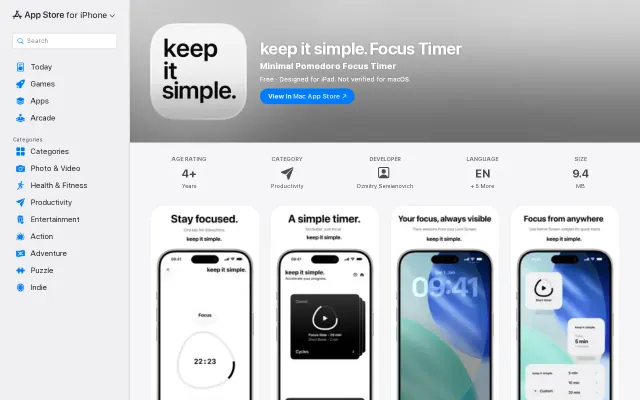
keep it simple. – a free focus timer for iPhone & iPad
Yet another Pomodoro timer when Forest and Focus To-Do already dominate.
Cozy
dsemianovich
211mo ago
BFS-layered 3D codebase viz solves force-directed chaos; works in browser for instant PR review.
Architects managing large codebases, teams reviewing pull requests, developers on Apple devices
Sourcegraph · IntelliJ architecture visualizer · GitHub's dependency graph
Why I built this: AI agents are writing more code than ever, and I realized I had no idea what my codebase actually looked like anymore. I wanted a way to see the architecture at a glance — what depends on what, where changes ripple, where the complexity is hiding. And I wanted it on my phone, not buried in some CI dashboard.
But getting the visualization right was harder than I expected.
Force-directed graphs were the obvious first attempt. They look cool for 20 files. At 500+ it's an unreadable hairball — positions are random and it looks different every reload. No meaning to where anything sits.
City view was next — files as buildings, metrics as height. Impressive in screenshots but useless for understanding how code actually connects. You see size, not relationships.
BFS from foundations is what finally clicked. I run BFS upward from depth-0 files (files that import nothing — your utils, types, constants). Each file's depth is the longest path from any foundation. Cycles get collapsed via Kosaraju's SCC detection. The result: layers emerge naturally. Position has meaning. Bottom = bedrock everyone depends on. Top = entry points. You're looking at real architecture, not a physics simulation.
And it tells you something useful: depth predicts blast radius. A change at depth 0 can ripple through hundreds of files. A change at depth 5 probably touches nothing else.
Two features I'm most excited about:
Remote AI agents from your phone. You can point Claude, Gemini, or Codex at your repo and ask questions about your code while looking at the 3D graph. Waiting for a build? Pull out your phone, ask the agent "what calls this function?" and see it highlighted spatially. Dead time becomes time understanding your codebase.
Watching your graph grow. The CLI syncs in real-time as you code. Watch your architecture evolve — see when a new dependency adds a layer, catch when a refactor creates a cycle, notice when a file is becoming a god object that everything imports. In a world where AI agents are making PRs, being able to see the effect of changes on your codebase at a glance is the thing I care about most.
Privacy was a hard requirement — all source code is encrypted on-device with zero-knowledge encryption before it leaves your phone. I can't read your code.
Free to explore public repos. Pro unlocks working with your own repositories — private repo support, CLI watch mode, git time travel, and AI agents.
App Store: https://apps.apple.com/app/codelayers/id6756067177
How the layering algorithm works: https://codelayers.ai/blog/the-hidden-hierarchy-in-your-code...
Built this solo in about 3 months. Would love feedback — especially on what you'd want from a tool like this.
Yet another Pomodoro timer when Forest and Focus To-Do already dominate.
Architecture linter for AI code, but Depcheck and Madge already solve this.
MCP server gives agents provenance-aware code graphs instead of blind grep searches.
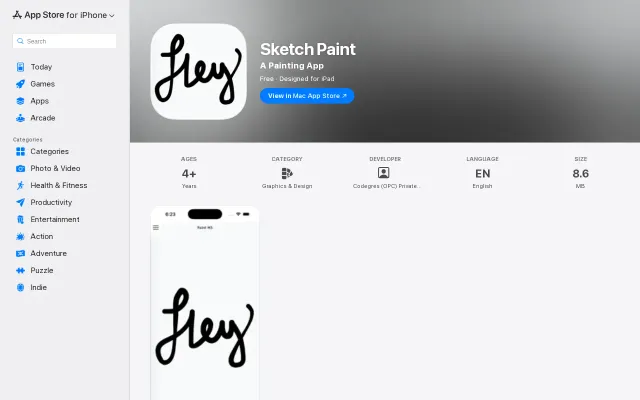
Generic drawing app in a saturated category with no differentiator or innovation.
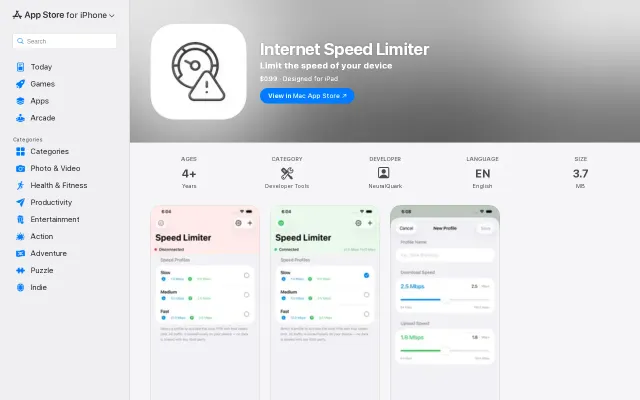
Finally test slow 3G on iPhone without tethering to a Mac.
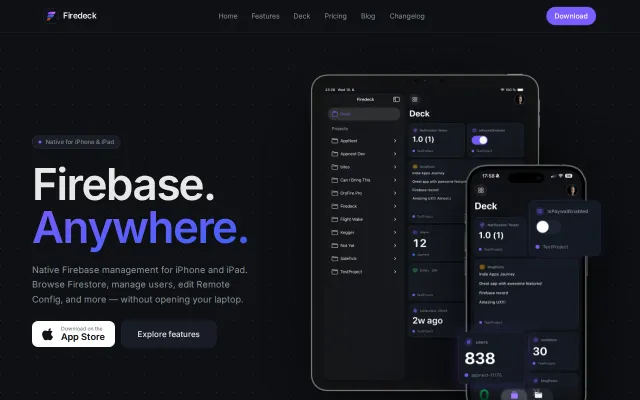
Finally, a way to hotfix production data from the couch without firing up Xcode.