Security●●●Banger
Rampart – Open-source firewall for AI agents (v0.8)
Blocks credential leaks in agent output, not just dangerous input commands.
Big BrainSolve My ProblemShip It
trevxr
222mo ago
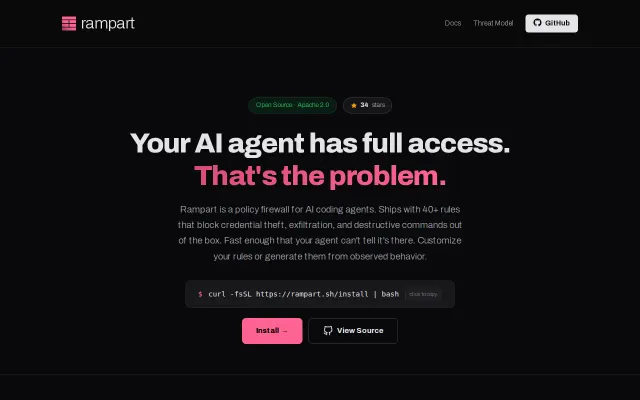
Open-source firewall for AI agents. Policy engine that audits and controls what OpenClaw, Claude Code, Cursor, Codex, and any AI tool can do on your machine.
Two-command setup blocks prompt-injected shell commands before they execute, not after.
Developers using Claude Code, Cursor, Cline, or other autonomous coding agents on their local machines
Rampart (itself) · SELinux/AppArmor (kernel-level inspiration) · Doppler (secrets management, different approach)
Rampart is the thing I built for that. It sits in front of your agent and checks every command and file operation against a simple policy before it runs. If something's not allowed, it's blocked — not logged after the fact, blocked before it happens.
Setup is two commands:
$ rampart setup claude-code $ rampart serve --background
After that, your agent works exactly the same — except now it has a policy. The default policy already covers the obvious stuff: SSH keys, AWS credentials, .env files, destructive commands. You define what's allowed, everything else gets blocked or flagged for your approval.
The policy is just a YAML file you can commit to your repo. Adding rules is one command:
$ rampart block "curl * | bash" $ rampart allow "~/.config/myapp"
One thing I'm proud of: the agent can't unblock itself. If Claude tries to run rampart allow to give itself more permissions, it gets blocked. Only you can change the policy.
Every decision gets logged in a tamper-evident audit trail, so you can see exactly what your agent attempted — not just what succeeded. Works with Claude Code, Cursor, Codex, Cline, and OpenClaw. Apache 2.0, single binary, no dependencies.
Blocks credential leaks in agent output, not just dangerous input commands.
Prevents `rm -rf ~` from your hallucinating agent in two commands, works with any CLI tool.
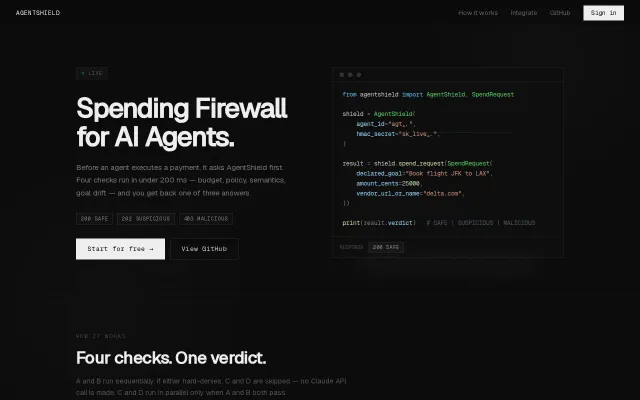
Four-check firewall stops rogue agents before they drain your wallet.
Blocks terraform destroy and git push before agents execute destructive commands.
Interceptor layer blocks SQL injection and shell injection before agents execute them.
Hardware-bound SSH keys sealed in TPM without messy PKCS11 config.