Developer Tools●Mid
Automatic demo videos for every feature you ship
Auto-generated demo videos from feature flows; waitlist-only, unshipped vaporware.
pratikpatwe
104mo ago
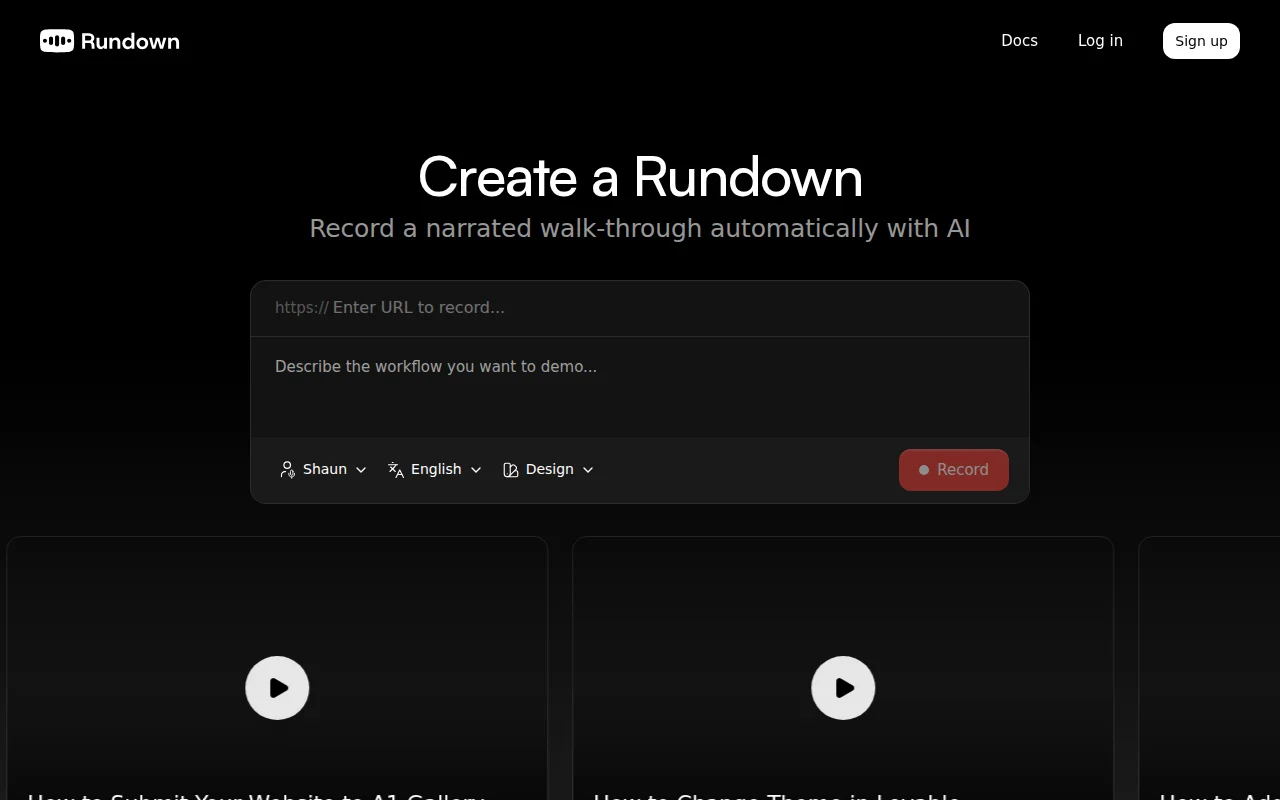
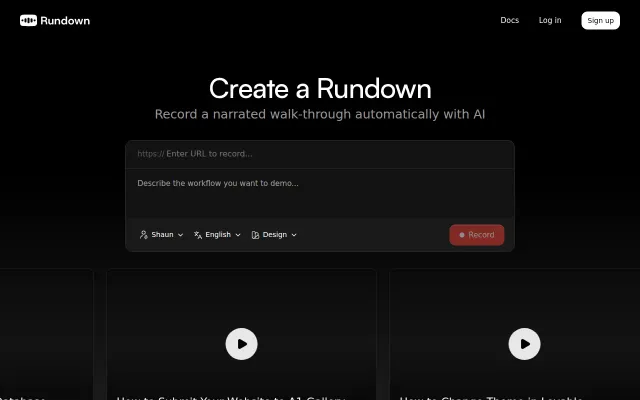
Automated Playwright-based demo recording with AI voiceover; solves real help-center churn.
SaaS founders, product teams managing help-center documentation, marketing teams
Loom · Descript · Narrify
While building another SaaS we got fed up with recording and, re-recording demos for help-center so decided to try and automate it using Playwright. Turns out it's not that easy, but we got it to a point that's usable, and quite useful for us already.
Feel free to try and send feedback. Every new account gets some free credits so you can see what it can do.
Thanks!
PS: Because this is heavy on infra we have a waitlist thing but I'm monitoring and will let you in within minutes/hours, just need to space people out a bit. Thanks
PPS: Here's an example video made with Rundown https://www.rundown.video/011fb9da-72f7-41d1-bdce-f187f398e0...
Auto-generated demo videos from feature flows; waitlist-only, unshipped vaporware.
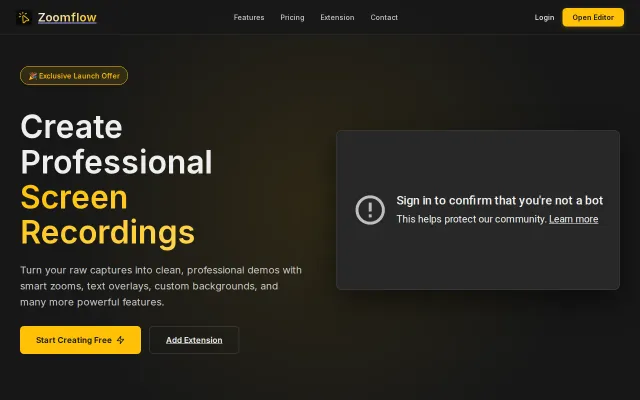
Auto-zoom to cursor removes editing friction, but Camtasia and Loom already do this.
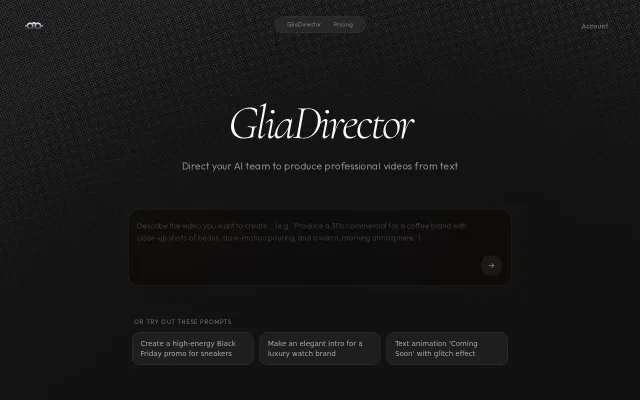
Code-gen that emits live Canvas2D + an auto-generated editing UI is the neat trick here—the agent not only writes animation JS but exposes runtime controls you can tweak without touching code. FFT-based beat-reactive animation plus compositing AI footage with programmatic overlays feels like a pragmatic, technical compromise between creative control and generative magic. The landing looks sharp, but the site doesn't say much about model quality, render/export limits, or how granular manual edits can get.
Edit JSON config instead of re-recording when your demo has a typo or misclick.
Playwright automation for demo recording, but Loom and Arcade already capture this with less technical setup.
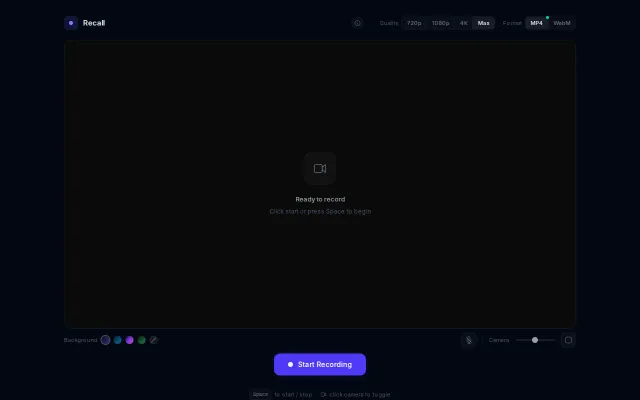
Everything runs client-side and the UI gives you real control — pick MP4 or WebM, toggle 720/1080/4K, pick gradients, and resize the camera overlay. It's not reinventing the wheel (Loom/OBS already exist), but the minimal, no-install flow plus thoughtful controls (format/quality toggles, mic and camera sizing) make it genuinely handy for quick recordings. Would be way more compelling with basic trimming or one-click cloud upload.