Productivity●●Solid
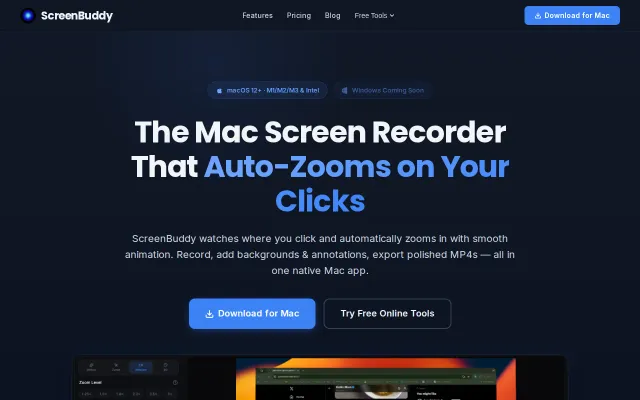
ScreenBuddy – Mac screen recorder with auto-zoom on clicks
Auto-zoom on clicks saves manual keyframing, but Loom already owns this workflow.
Eye CandySolve My Problem
jiabins0303
105mo ago
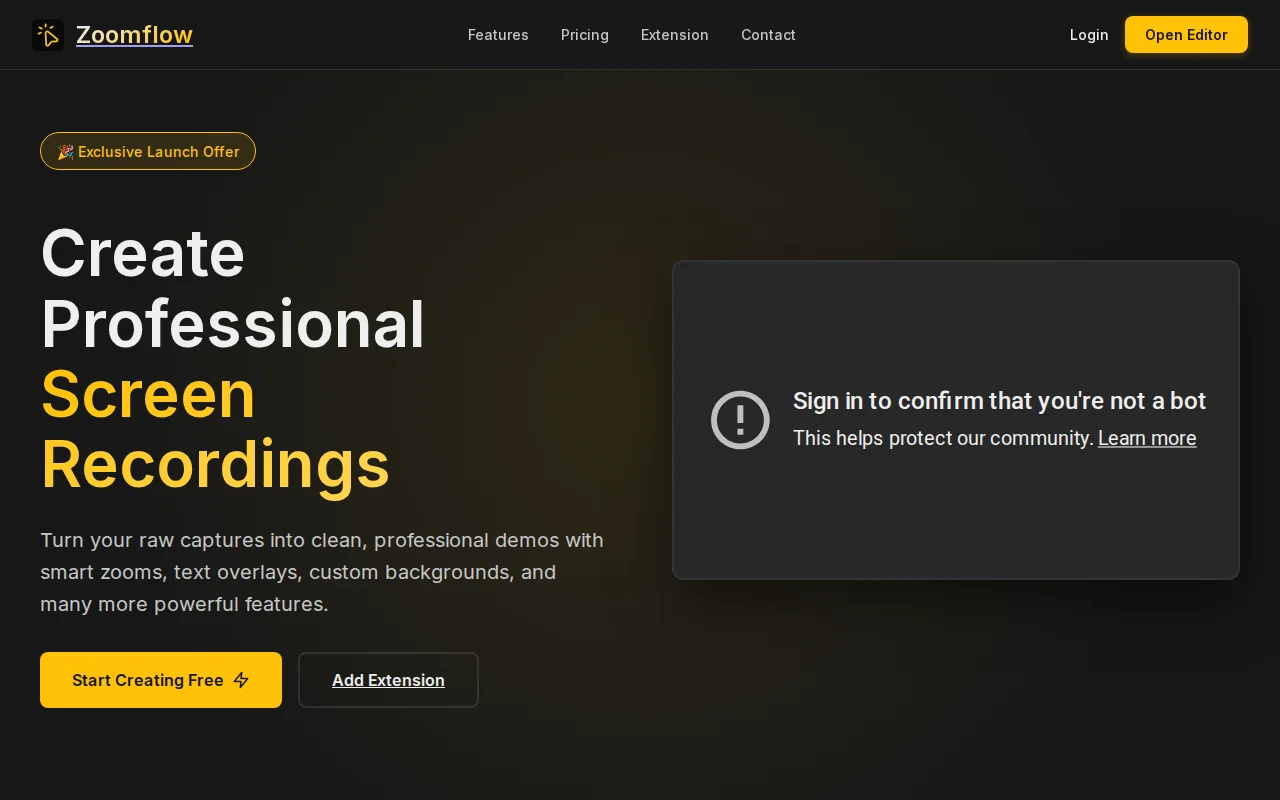
Auto-zoom to cursor removes editing friction, but Camtasia and Loom already do this.
SaaS founders, tutorial creators, product demo makers who need fast video production
Loom · Camtasia · ScreenFlow
I often needed to create demo videos for my products, but editing took more time than building the feature itself
So I built a Chrome extension called ZoomFlow. It lets you:
• Record your screen • Auto-follow cursor movement • Add smooth zoom effects • Export directly (no editing required)
The goal was simple: record → review → export.
It has a free version, and I recently launched v1.0.1 with improvements to zoom smoothness and cursor flow.
Would love feedback from people who create tutorials, SaaS demos, or client walkthroughs.
Auto-zoom on clicks saves manual keyframing, but Loom already owns this workflow.
Auto-generated demo videos from feature flows; waitlist-only, unshipped vaporware.
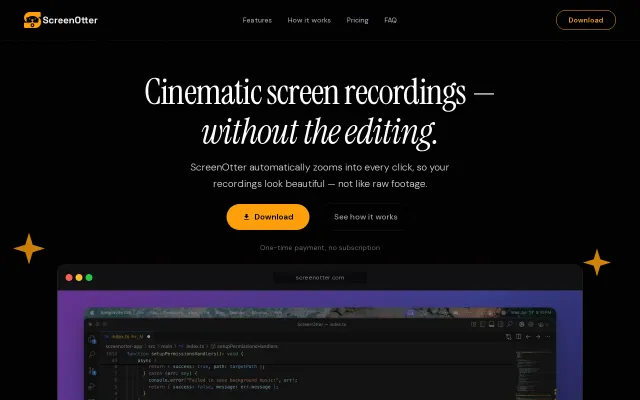
Loom alternative with auto-zoom, cursor clicks, and noise reduction—ships today on macOS.
Loom and Descript already do auto-zoom and transcripts with bigger teams.
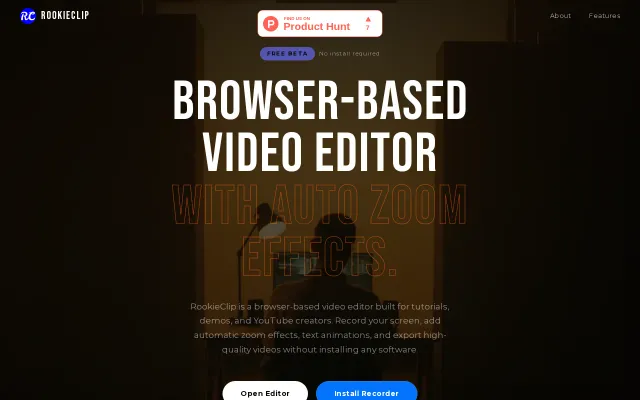
Browser-based screen recorder with AI-driven auto-zoom to replace heavy desktop software.
Screen Studio alternative at 20MB with manual zoom anchors and native macOS performance.