AI/ML●●Solid
We built a tool to dub any video in the original voice in 40 languages
Four-pass pipeline preserves music and voice while ElevenLabs and Rask already exist.
Slick
ABSALOMMAXY
856d ago
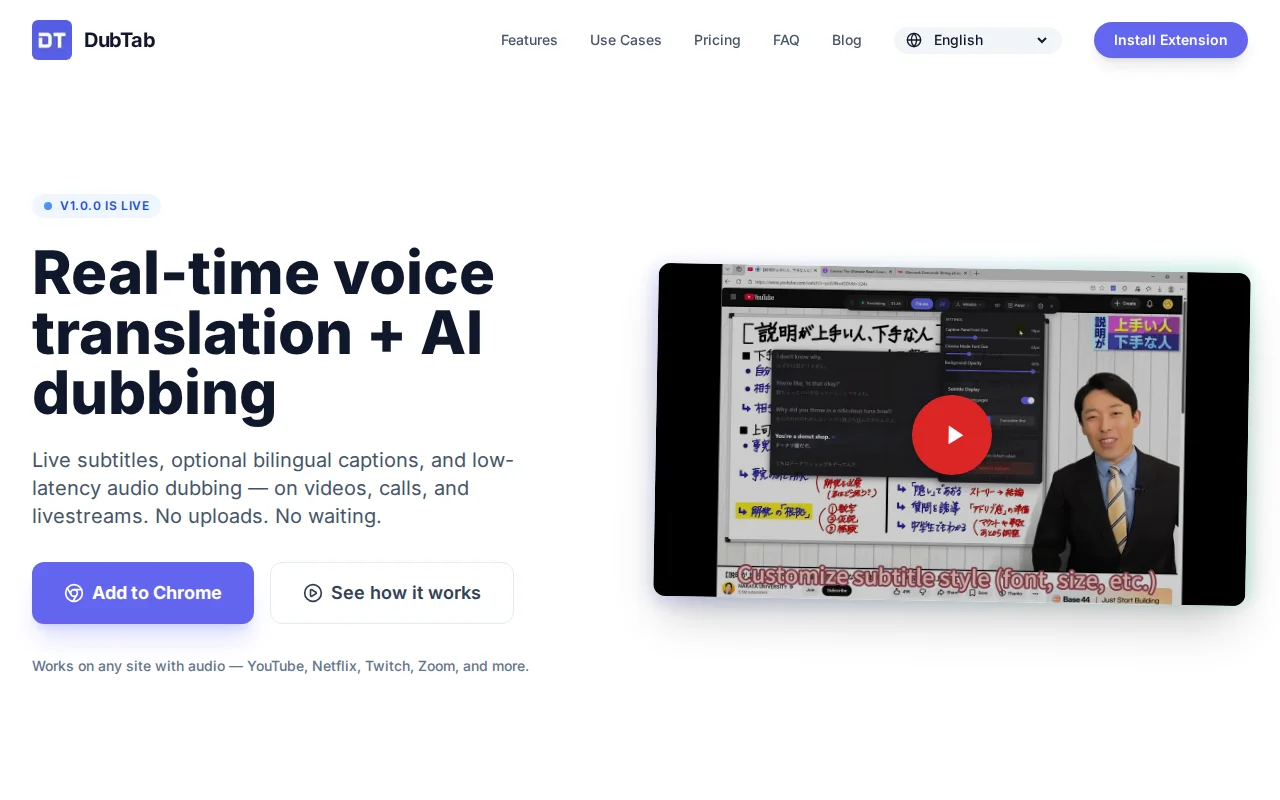
Real-time dubbing without uploads—matches Wisper/Superwhisper but browser-native and free.
Remote workers, multilingual students, international meeting participants, content consumers across language barriers
Wisper Flow · Superwhisper · Monologue
DubTab is a Chrome/Edge extension that listens to the audio of your current tab and gives you:
1.Live translated subtitles (optional bilingual mode) 2.Optional AI dubbing with a natural-sounding voice — so you can follow by listening, not just reading
The goal is simple: make it easier to understand live audio in another language in real time, without downloading files or doing an upload-and-wait workflow.
How you’d use it
1.Open a video call / livestream / lecture / any tab with audio 2.Start DubTab 3.Choose target language (and source language if you know it) 4.Use subtitles only, or turn on natural AI dubbing and adjust the audio mix (keep original, or duck it)
What it’s good for 1.Following cross-language meetings/classes when you’re tired of staring at subtitles 2.Watching live content where you can’t pause/rewind constantly 3.Language learners who want bilingual captions to sanity-check meaning 4.Keeping up with live news streams on YouTube when events are unfolding in real time (e.g., breaking international updates like U.S./Iran/Israel-related developments)
Link: https://dubtab.com
I’ll be in the comments and happy to share implementation details if anyone’s curious.
Four-pass pipeline preserves music and voice while ElevenLabs and Rask already exist.
Four-pass pipeline isolates voice, transcribes, translates, and mixes—beats HeyGen on audio fidelity.
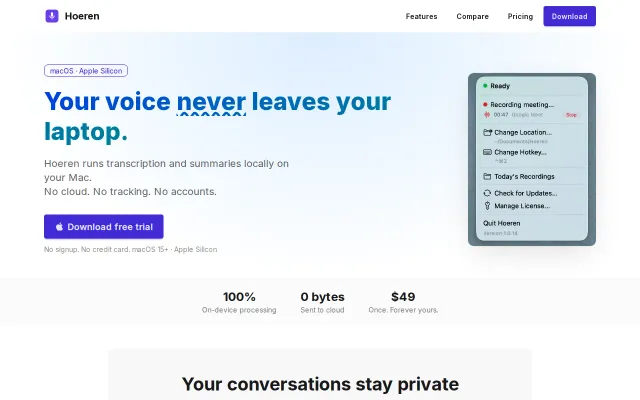
Local Whisper transcription when Otter and Fireflies upload everything to cloud.
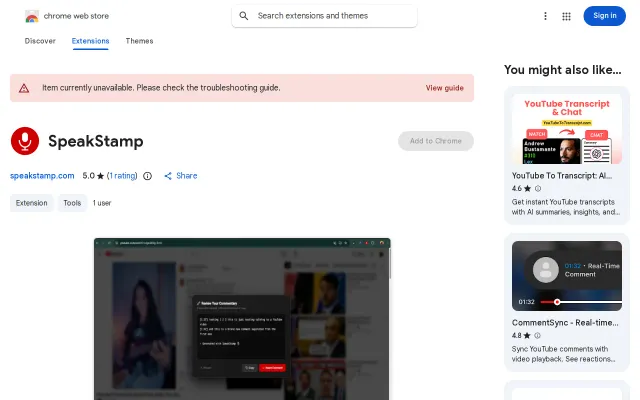
Auto-timestamped voice comments for YouTube, but the Chrome Web Store listing is currently unavailable.
Transcript-to-10-assets formatter beats generic ChatGPT but Repurpose.io, Buffer, and similar tools exist.
YouTube demo with no code, repo, or technical details to evaluate.

![Live Voice Translation Interpreter [video]](/screenshots/48442321_thumb.webp)