Productivity●Mid

Add price tags to 50 product photos in minutes (no Canva/PS)
Canva for price tags, but Canva already does this with better templates and integrations.
Eye Candy
oliveroll
105mo ago

Notion minus bloat plus canvas, but Obsidian and Tldraw already solve this separately.
Users seeking minimal, local-first note-taking; designers and planners who prefer sketching
Notion · Obsidian · Tldraw
Anyway, I found the most useful productivity method to be just plain to do lists and some kind of canvas (I mostly just use pen and paper now), so I decided to apply: Notion logic + simple to do lists + canvas.
You can try it out here: https://kanvas-app-zeta.vercel.app/
(Everything is stored locally in your browser, no servers)
How it works:
1 - you can create cards (draw or space or cmd+n)
2 - inside the cards you can put text and to dos (cmd+shift+k)
3 - you can create groups of cards
There are also tons of shortcuts, planning to add more.
Feedback always appreciated!
Canva for price tags, but Canva already does this with better templates and integrations.
Weighted rotation is clever, but Todoist and Trello already handle shared family lists fine.
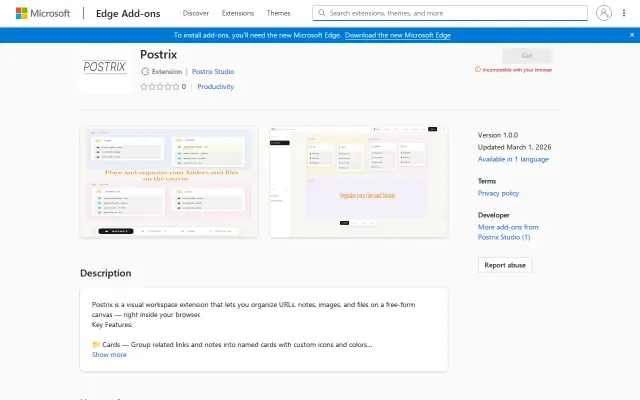
Canvas-based file organization beats nested folders, but needs mobile and cross-browser support.
Gumroad link to template pack; no actual product shown.
Custom service build, not a product — Telegram to Notion automation exists elsewhere.
Another BaaS pitch with no code, docs, or demo beyond a Vimeo link behind a captcha.


![How I pivot product logic. In production. Fast [video]](/screenshots/49097216_thumb.webp)