Productivity●Mid
Own-term – run your developer portfolio in the terminal (npx own-term)
Terminal portfolios sound fun, but they're novelty—doesn't replace web portfolios.
Eye CandyCozy
Biki-dev
204mo ago
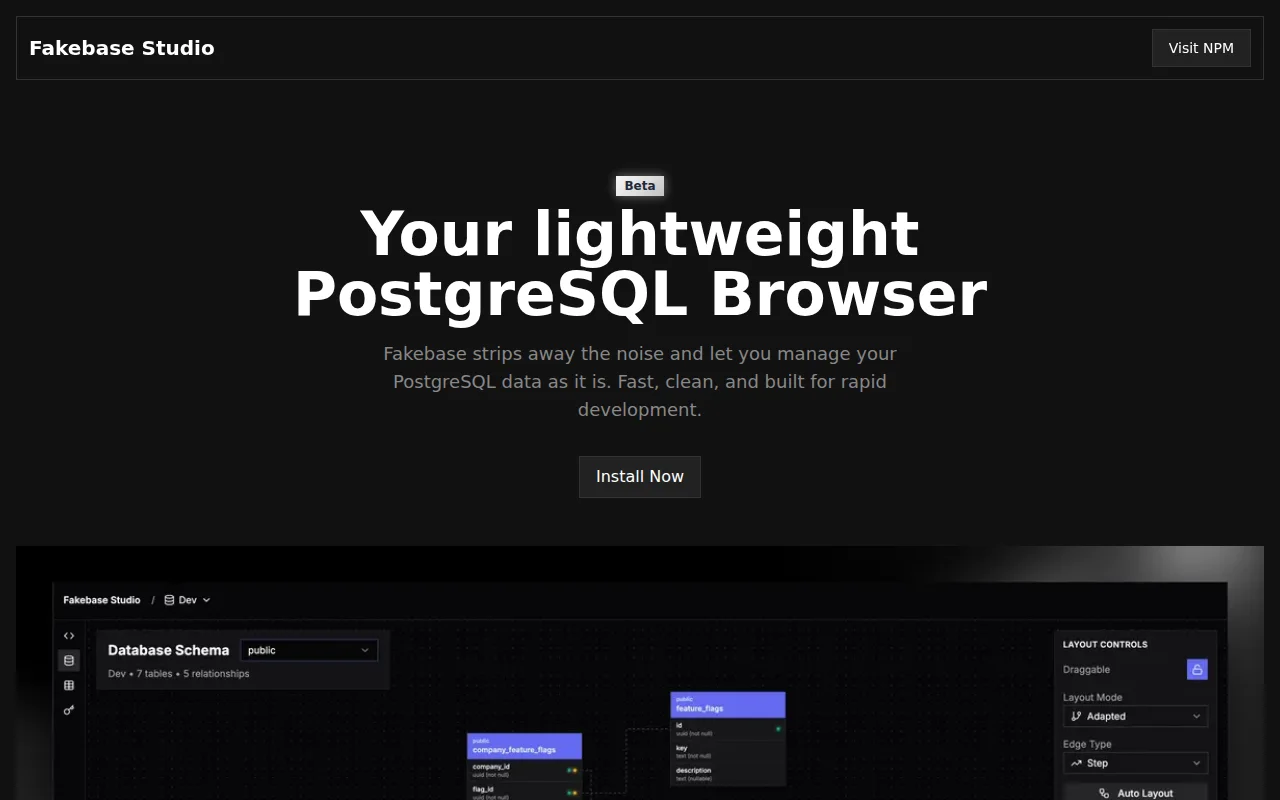
npx-installable PostgreSQL browser, but TablePlus and Beekeeper already own this space.
Backend developers, full-stack developers working with PostgreSQL
TablePlus · Beekeeper Studio · pgAdmin
Over the past year I’ve been building a lot of products on PostgreSQL and kept needing a very simple way to quickly inspect tables, run queries, and sanity-check data without opening a heavy database client.
So I built a small tool for myself called Fakebase - a lightweight PostgreSQL browser for local and dev databases.
I’ve been using it daily for a while now, and a couple of colleagues started using it too, which made me think it might be useful for others.
So I cleaned it up a bit and decided to share it.
Curious if others run into the same problem, or what tools people here prefer for this workflow.
Terminal portfolios sound fun, but they're novelty—doesn't replace web portfolios.
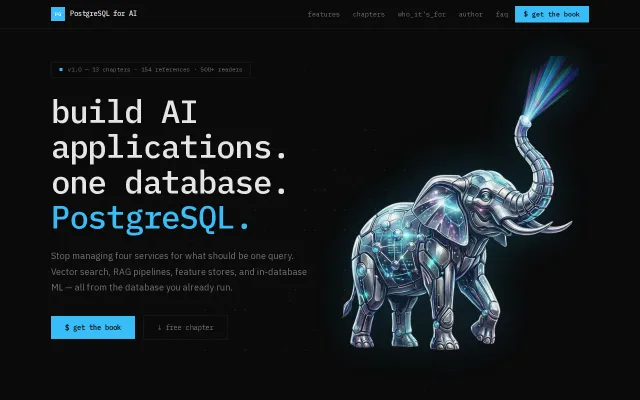
PostgreSQL-native RAG without external vector databases—smart consolidation, not novel architecture.
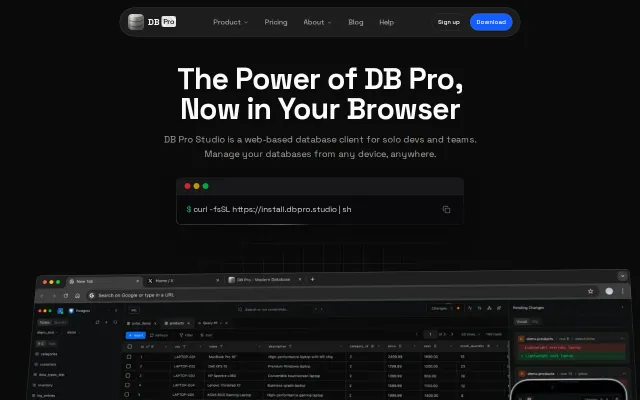
Runs in the browser, ships as a Docker image, and emphasizes shared connections, collaborative queries and dashboards — nice for teams that want DB access without handing out credentials. The UI in the screenshot looks thoughtful (mobile-ready panels, query editor, change diffs), but the product sits in a crowded niche; the site should call out concrete differentiators like RBAC, audit logging, connection pooling or performance to justify switching from existing tools.
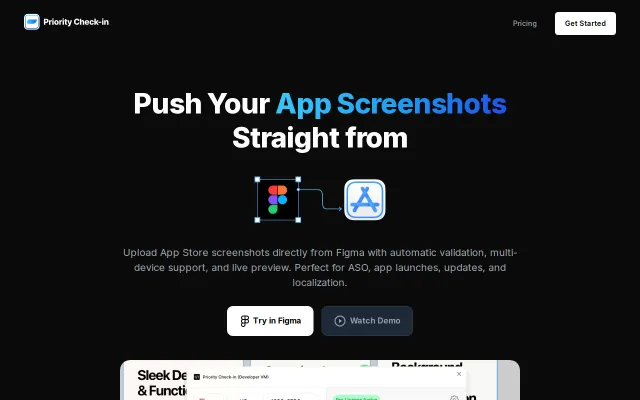
It removes the boring middle step — pick frames in Figma, validate sizes, preview store pages and push straight to App Store Connect with smart ordering and multi-locale support. Not groundbreaking if you're already scripting with Fastlane, but the one-click Figma → App Store UX is genuinely useful for small teams and marketers who hate manual exports; I’d want clarity on API limits and how it handles complex localization pipelines before buying.
Curated prompt library when MCP Registry and LangChain Hub already exist.
Quick terminal cost compare—but pricing dashboards (Anthropic console, OpenAI API usage) already do this.