Education●Mid
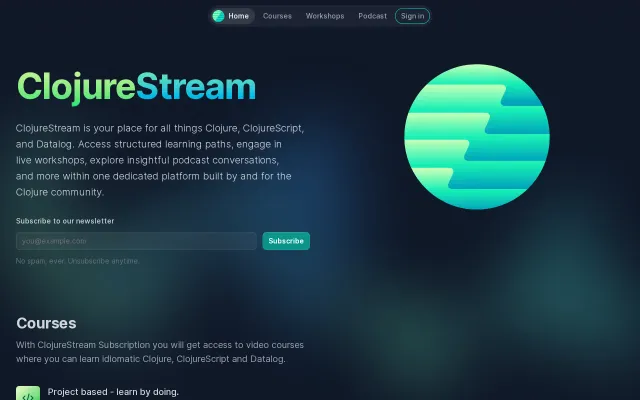
I built a self-hosted course platform in Clojure
Clojure learning hub, but Coursera/Udemy already own education at scale.
Niche GemCozy
jacekschae
59133mo ago
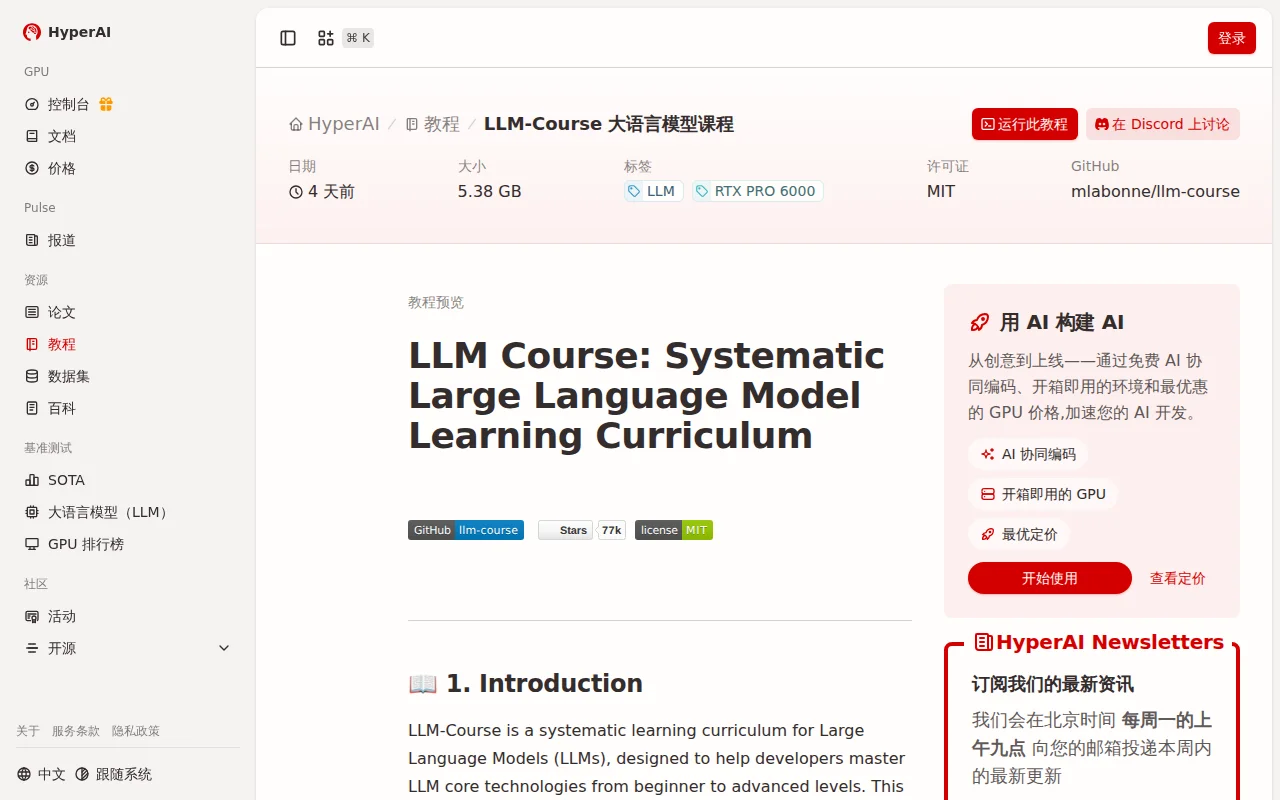
Pre-configured GPU notebooks for mlabonne's 75k-star LLM course.
Beginners learning LLM development without local GPU access
Google Colab · Kaggle Notebooks · Paperspace Gradient
HyperAI recently built a ready-to-run notebook that lets you explore parts of the course directly in the browser without setting up a local environment.
The original course is organized into three main tracks:
1.LLM Fundamentals – math, Python, neural networks, and NLP basics
2.The LLM Scientist – fine-tuning, quantization, evaluation, optimization
3.The LLM Engineer – RAG, agents, deployment, and real-world applications
Our notebook focuses on one of the most practical parts of the course: running LLMs and building applications around them. It walks through topics like:
* Different ways to run LLMs (API vs local inference) * Discovering open-source models on Hugging Face * Prompt engineering techniques (zero-shot, few-shot, chain-of-thought, ReAct) * Generating structured outputs (JSON / templates) using libraries like Outlines
The goal was to make it easier for developers to experiment with LLM workflows quickly, especially if they don’t have powerful local hardware.
Some steps in the notebook can run on free CPU resources, while others demonstrate workflows that typically require stronger hardware. The idea is to help developers quickly understand the setup and experimentation process before scaling further.
If you're exploring LLM tooling, prompt techniques, or deployment workflows, this might be a convenient way to try parts of the course material interactively.
Happy to hear feedback or suggestions!
Clojure learning hub, but Coursera/Udemy already own education at scale.
Teaches LLM RL training with working Tic Tac Toe demo that beats gpt-5-mini.
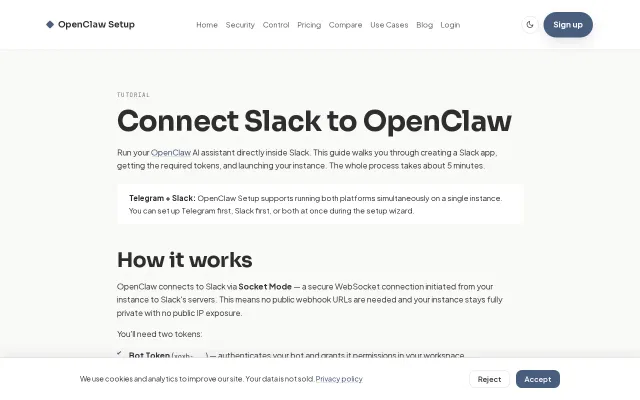
Nice, no-fluff onboarding: step-by-step Slack app setup, enabling Socket Mode (so you avoid public webhook URLs), and clear instructions for grabbing xoxb/xapp tokens — everything you actually need to get an OpenClaw bot running. The hosting add-on that manages ENV, agent state, Telegram+Slack on one instance and CLI auth is the practical win here for people who want to skip deployment headaches. It isn't groundbreaking, but it's a tidy, useful play for a narrow but real audience.
Broken 404 link—project doesn't exist or URL is dead.
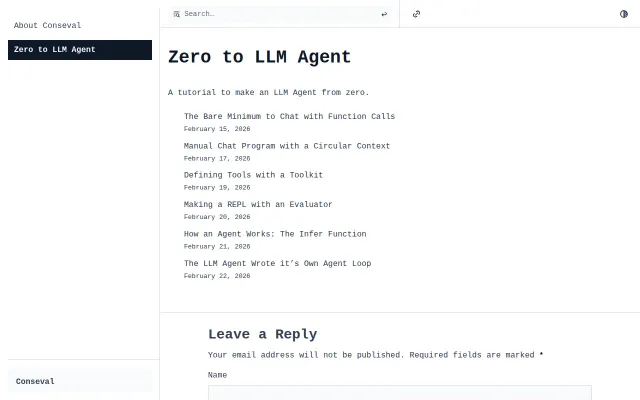
Blog posts about building LLM agents, not a tool or framework.
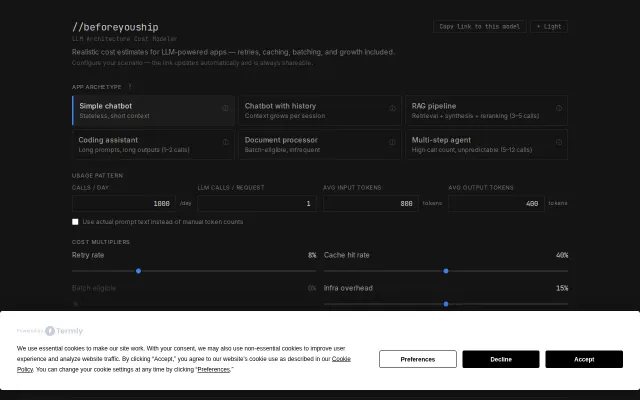
Pre-build cost modeling beats naive token math when Vercel bills you next month.