AI/ML●●●Banger
Airlock – self-upgrading compiled AI agents
Compiles Go binaries that mix hard code with AI calls and actually self-upgrade.
WizardryBold BetZero to One
cyberteaborg
422mo ago
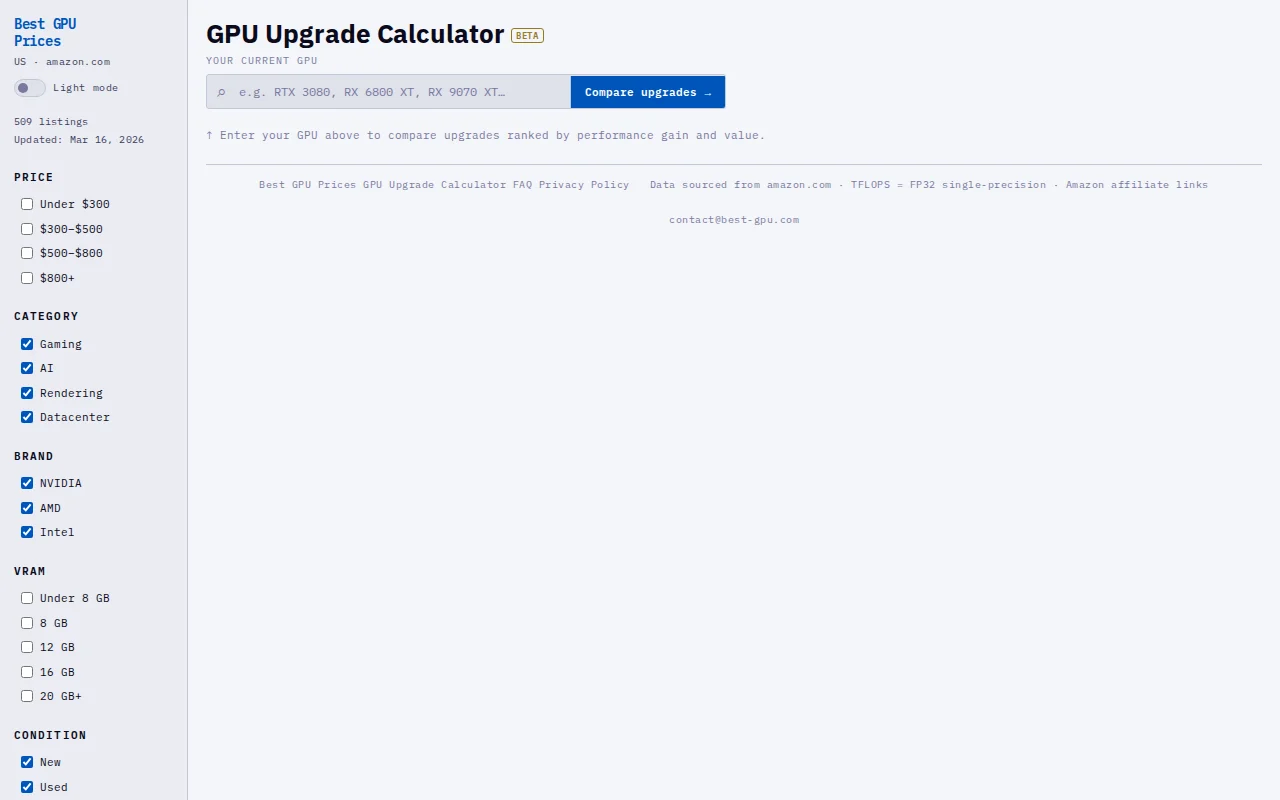
Single-page calculator for GPU upgrades when Tom's Hardware already has comparison tools.
PC builders and gamers considering GPU upgrades
Tom's Hardware GPU Benchmarks · TechPowerUp GPU Database
While browsing PC building forums and Reddit, I kept seeing the same question: “What should I upgrade to from my current GPU?” Most answers are just lists of cards without showing the actual performance gain, so people often end up paying for upgrades that barely improve performance.
So I built a small tool: a GPU Upgrade Calculator.
You enter your current GPU and it shows:
estimated performance gain
a value score based on price vs performance
a filtered list of upgrade options (brand, price, VRAM, etc.)
The goal is simply to help people avoid spending money on upgrades that aren’t really worth it.
Curious to hear feedback from HN on the approach, data sources, or features that would make something like this more useful.
Compiles Go binaries that mix hard code with AI calls and actually self-upgrade.
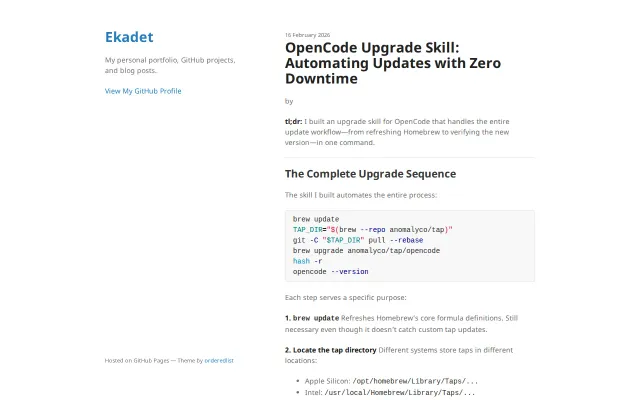
This is a focused, practical wrapper that encodes the right sequence of commands — brew --repo to find the tap, git -C ... pull --rebase to force-update a custom tap, brew upgrade, hash -r, then opencode --version — and exposes it as a single OpenCode skill. Not revolutionary, but the attention to real pain points (correct tap path across architectures, forcing a tap git pull, refreshing the shell hash and verifying the binary) makes it a handy, low-friction tool for anyone maintaining or using a Homebrew-distributed CLI.
Single command upgrades Node and migrates global packages across eight version managers.
Someone actually solved the annoying UX around running dozens of agent sessions: per-agent sandboxing, a command palette with hotkeys, and built-in secrets injection make spinning up and triaging failed runs painless. There’s also an on-board assistant that can configure and drive the factory — smart move for reducing CLI friction. The tradeoff is obvious: it’s tightly coupled to macOS and Claude, so it’s brilliant if you live in that ecosystem but niche otherwise.
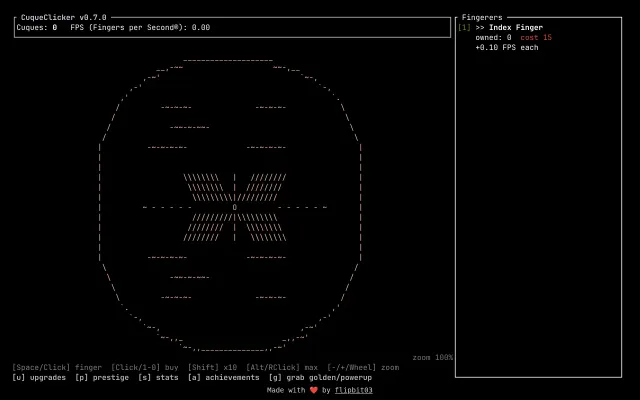
Cookie Clicker clone with ASCII art, but the genre is already saturated.
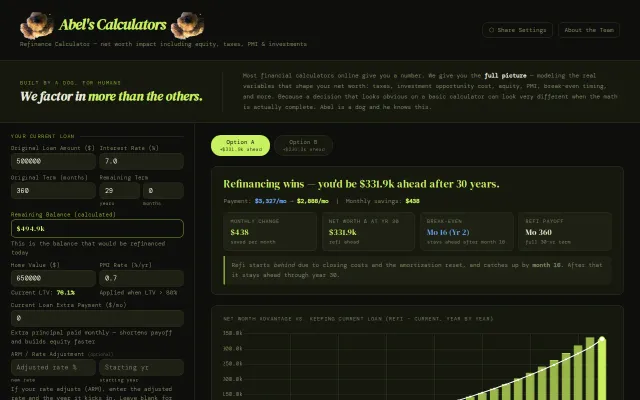
Refinance net worth modeling beats payment-only calculators; honest marginal tax and opportunity cost math.