AI/ML●●●Banger
TexoCAD – Lovable for Hardware
Parametric BREP output beats mesh generators like Meshy for actual engineering.
Big BrainShip It
torayeff
203mo ago
Editable BREP output beats mesh generators—download the code and keep building.
Hardware engineers, product designers, makers
Zoo (KittyCAD) · OpenSCAD · Fusion 360
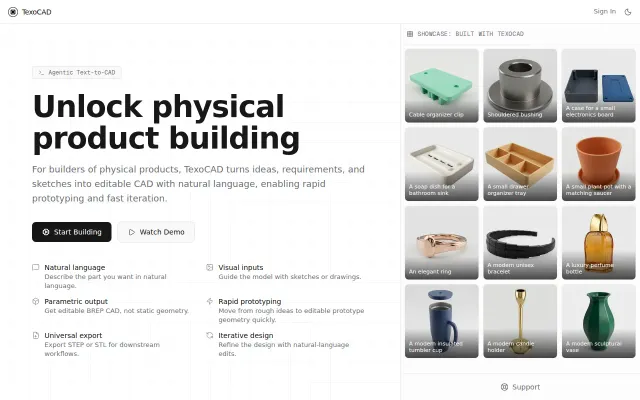
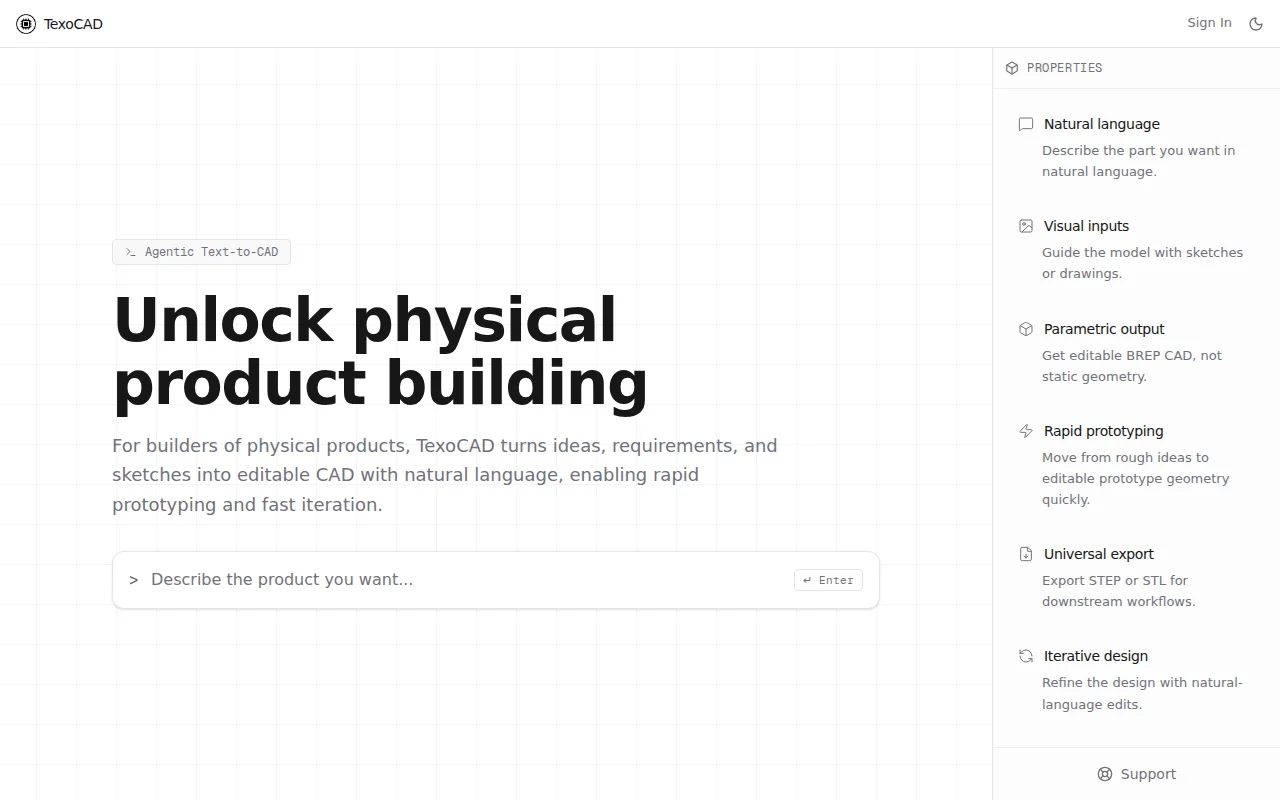
TexoCAD (https://www.texocad.ai) – you tell it what part you want in plain english (or throw a sketch at it), and it gives you real parametric CAD back. Not a mesh you can't do anything with – actual BREP you can edit and export as STEP, STL, or 3MF.
It runs on build123d under the hood and you can download the generated code too, so you're never locked in – just take the code and keep going in your own setup.
You can also just keep tweaking it by saying stuff like "make it thicker" or "add a hole on the side." Basically trying to kill the gap between having an idea and having something you can prototype.
Would love to hear what you all think, especially if you do anything hardware-related.
Parametric BREP output beats mesh generators like Meshy for actual engineering.
HTML-to-Word conversion that actually preserves structure instead of dumping screenshots.
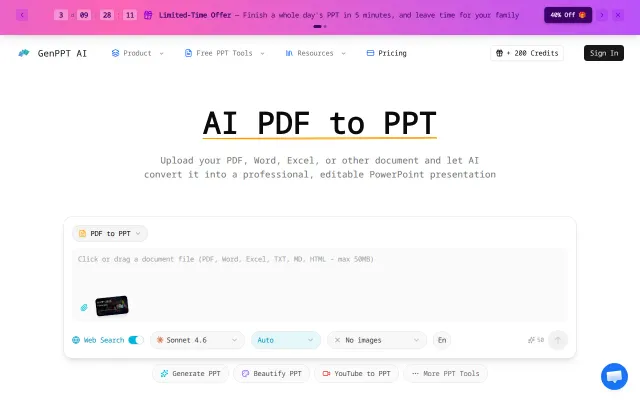
PDF-to-PPT converter, but remove.bg, Canva, and dozen AI alternatives already exist.
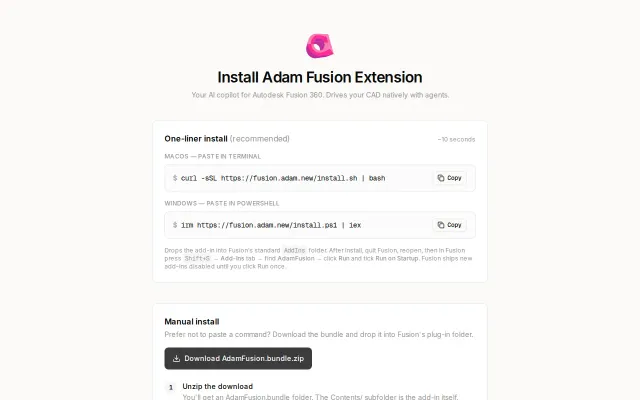
Edits the actual feature tree inside Fusion 360 instead of generating black-box STLs.
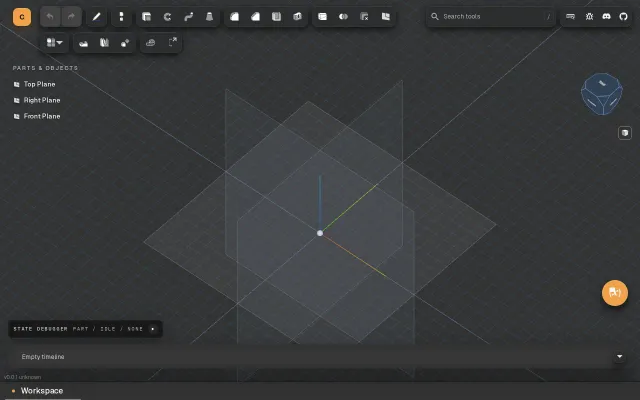
Another browser CAD, but v0.0.1 lacks features to compete with Onshape.
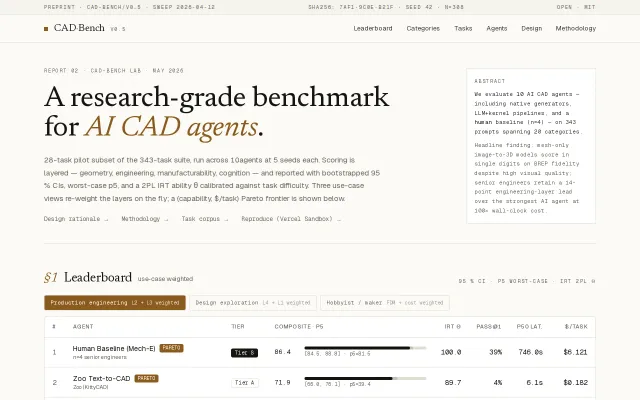
Proves mesh-to-BREP failure modes with IRT-calibrated scores across 28-task pilot suite.