Productivity●●Solid

Thuki – local Al overlay for macOS (double-tap Control, no API key)
Double-tap overlay beats window-switching, but Raycast already does local AI.
CozySlick
logan_ng
101mo ago
Double-wide keys with dual characters offer more density than generic big-key keyboards.
Android users with large fingers or vision issues typing on small screens
Simple Keyboard · Big Keyboard · Large Keyboard
The buttons are almost double the standard width, making it much easier to hit the right one. The tradeoff: each button shows two characters. To enter the character on the right, tap the button twice quickly.
For each character, you briefly decide: once or twice? You may type more slowly, but make fewer mistakes.
(There's an alternative long-tap mode that can be enabled in prefs, with that you have to tap slightly longer to get the second character, instead of double tapping.)
Background story: I have had the idea for this app for over a year. I had already identified that the existing Simple Keyboard app (from Raimondas Rimkus) would be a good starting point. With AI assistance I built the initial version of this Widekey Keyboard app in a single day.
Github: https://github.com/kaie/widekey-keyboard
Play Store: https://play.google.com/store/apps/details?id=de.kuix.wideke...
I hope the app can be helpful for some people!
Double-tap overlay beats window-switching, but Raycast already does local AI.
Local AI keyboard with MCP and cloud fallback—privacy without losing functionality.
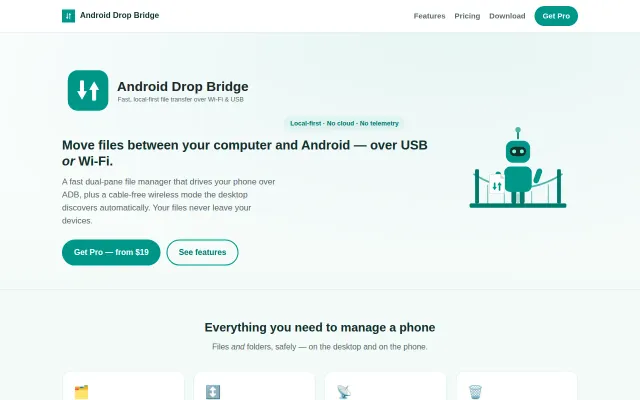
GUI wrapper around ADB when LocalSend and KDE Connect already do this free.
Visual gimmick for typing that wears off after five minutes of use.
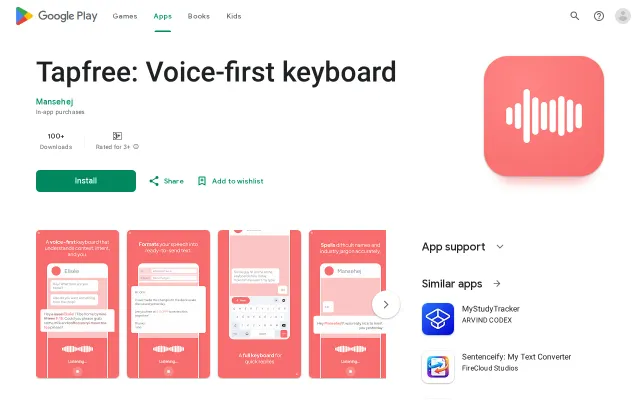
Voice keyboard with context awareness, but Gboard's voice typing and Otter already solve this well.
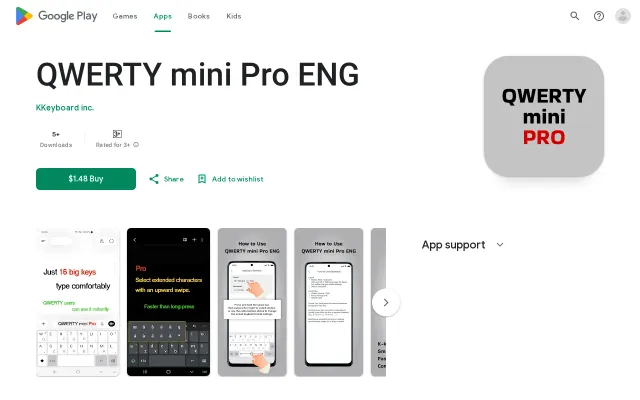
16-key keyboard that types full QWERTY via simultaneous taps and swipes.