AI/ML●●Solid
Lookout – AI Screen Assistant for macOS
ScreenCaptureKit + Claude Vision for contextual Mac help when family calls confused.
Solve My ProblemCozy
ada1981
103mo ago
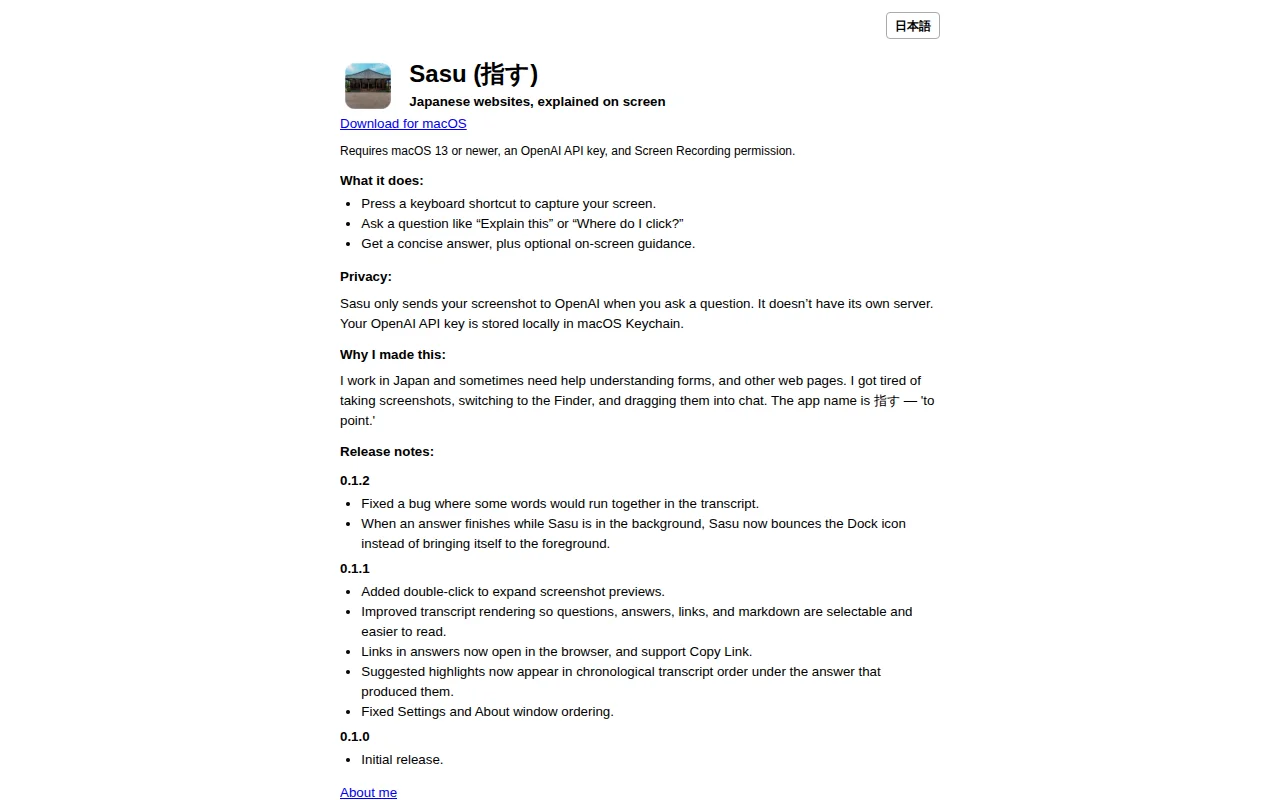
Finally, a tool that solves the 'copy-paste to chat' friction for non-native web browsing.
Expats living in Japan, language learners, developers working with Japanese interfaces
Google Translate Extension · DeepL · OpenAI Atlas
ScreenCaptureKit + Claude Vision for contextual Mac help when family calls confused.
Yet another screen OCR translator when macOS Live Text already exists.
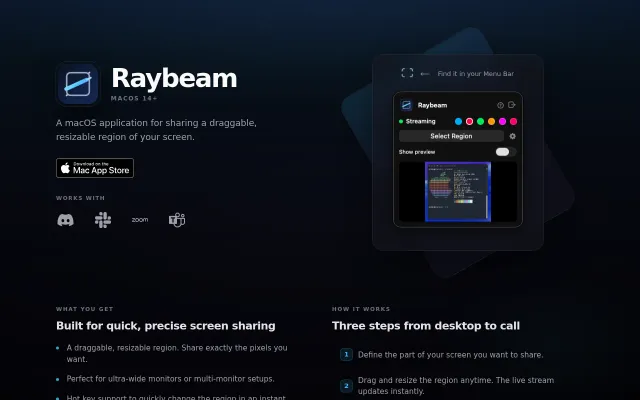
Virtual camera output for draggable screen regions solves the ultra-wide monitor sharing pain.
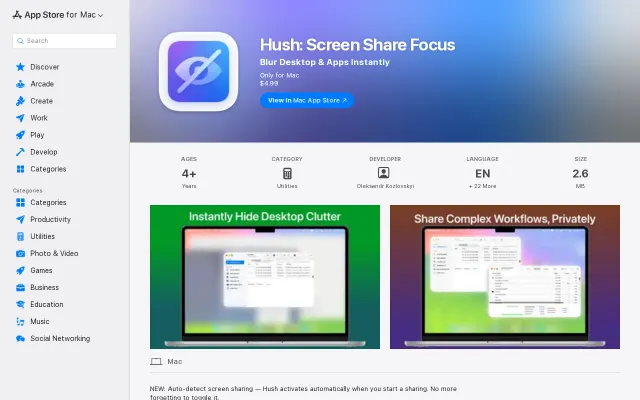
Auto-detects screen sharing via CGS API to blur desktop clutter instantly.
GUI wrapper around Apple's Vision Framework, but it's free and open source.
Wraps macOS screencapture with JPEG compression—CleanShot X already does this.