Security●●Solid
Security Audit for Macs Running Local AI (Ollama, OpenClaw, LM Studio)
Closes a real gap: local AI on Mac needs hardening, but nobody audits default-insecure Ollama/OpenClaw setups.
Solve My ProblemNiche Gem
mrsushi
103mo ago
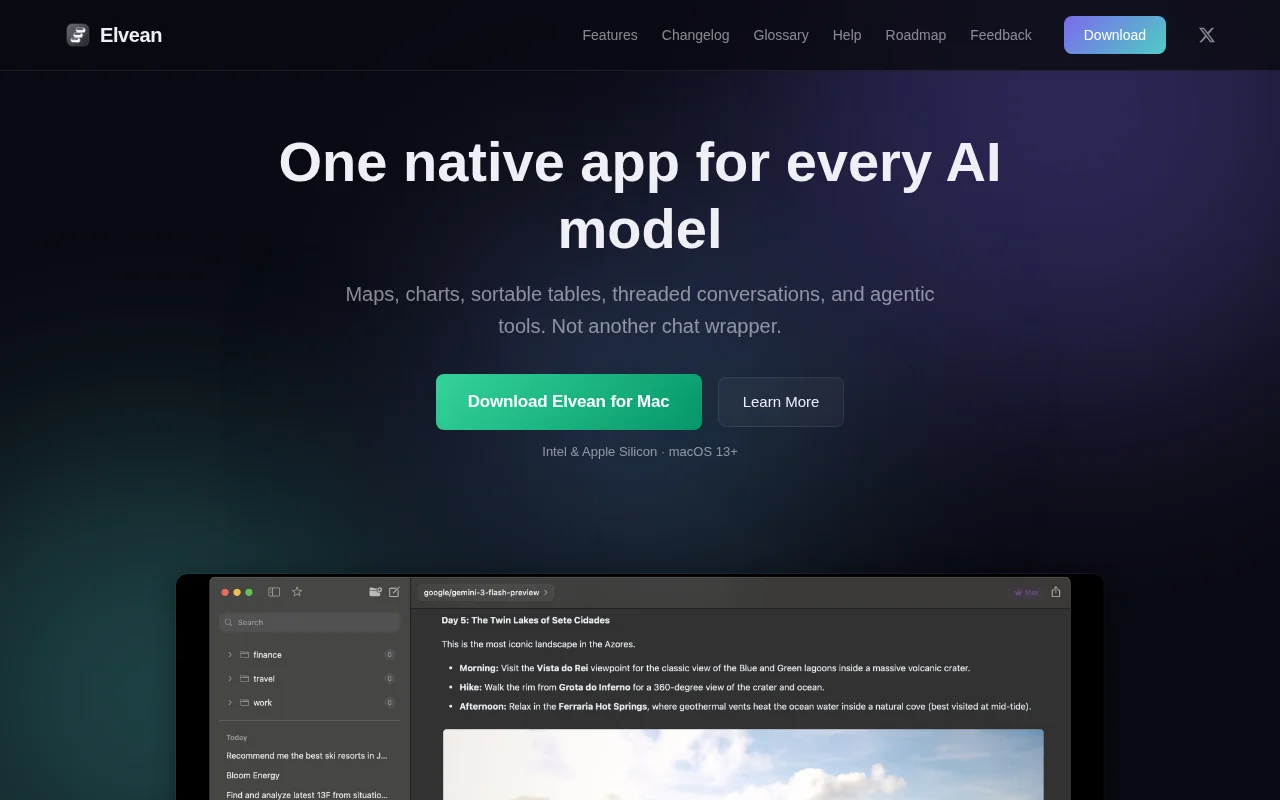
Rich inline charts and maps beat Claude Desktop's text-only responses.
Mac users working with multiple AI models and agents
Claude Desktop · Cursor · ChatGPT app
Lack of control You can’t control the web-search (depth, breadth and number of sources, image search, video search providers - yeah I like to search stuff on youtube and embed them into canvas)
you can’t control how many tokens you’re willing to burn for specific prompt, number of agentic loops, all you got is only “Extended Thinking” toggle
local MCP servers is pain to setup, Anthropic/ChatGPT pushes you to use curated Connectors or mess with local with .json configs
Privacy
there’s no opt-out for keeping your conversation history on their servers, means you’re the product. No way you will ever switch to competitor or any open-source model in their app as they try to lock you in.
Missing some native integrations I want to use my own tools: i.e. Apple Maps, Calendar, TradingView charts integration
UX/Productivity can’t fork conversation or start a thread for a particular response with mentioning or tagging other model. Everything is getting bloated with 10 new features shipping every week, code, cowork, artifacts, dispatch etc - everything crammed into single app and shoved down your throat, the feature creep is real and reminds me a time when messenger apps started to adding games directly into chat canvas.
So I spent the last ~3 months building my own AI client from scratch in SwiftUI. It works with any local model via MLX/Ollama/OpenAI-compatible API, plus cloud providers like OpenRouter.
Here's what it can do right now:
- Agentic tool calling & web search
- Interactive charts (pie, bar, line, TradingView lightweight)
- Native Apple Maps embedded in conversations
- WeatherKit cards
- Screenshot to AI feature
- Dynamic sortable tables
- Inline markdown editing of model responses
- Threaded conversations (Slack-style)
- Mentiones "@" switch models mid-conversation
- MCP server support
Built in SwiftUI, no Electron so your RAM will not blowup with useless stuff.
Closes a real gap: local AI on Mac needs hardening, but nobody audits default-insecure Ollama/OpenClaw setups.
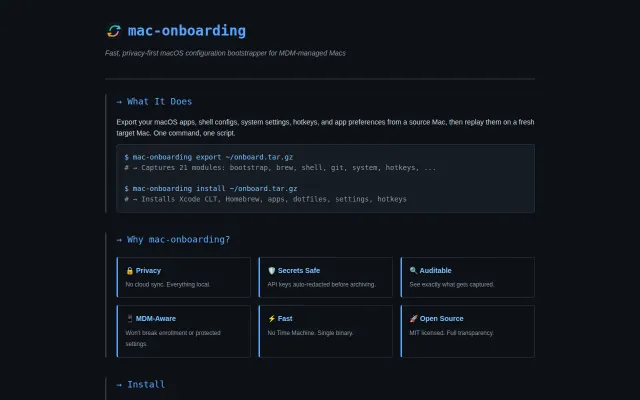
Local tarball backups beat cloud sync for sensitive dotfiles and MDM Macs.
Menu bar battery monitor is useful, but macOS already shows this natively now.
Mix local Ollama agents with cloud workflows without sacrificing privacy or switching UIs.
Yet another keep-awake app when Amphetamine and Caffeine already exist.
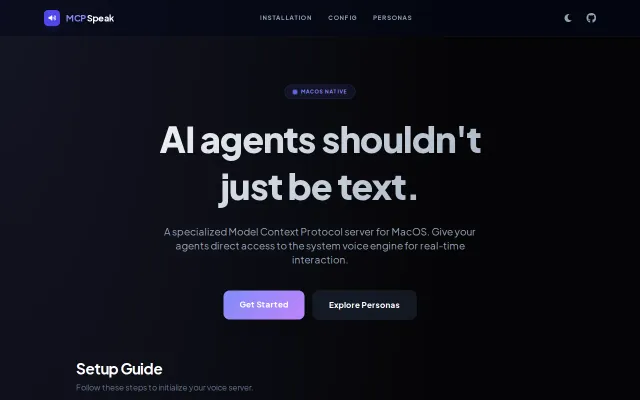
The project is a pragmatic, no-friction way to route MCP client output to macOS TTS — you get a runnable speak_server.py, ready-made CLI snippets for Gemini and Claude, and persona profiles that alter spoken behavior. Small but thoughtful extras like dynamic AGENTS.MD and persona presets make it useful for prototyping voice-first agents. The downside is obvious: it’s macOS-only and targets a narrow audience, but for that audience it removes a lot of friction.