Developer Tools●●Solid
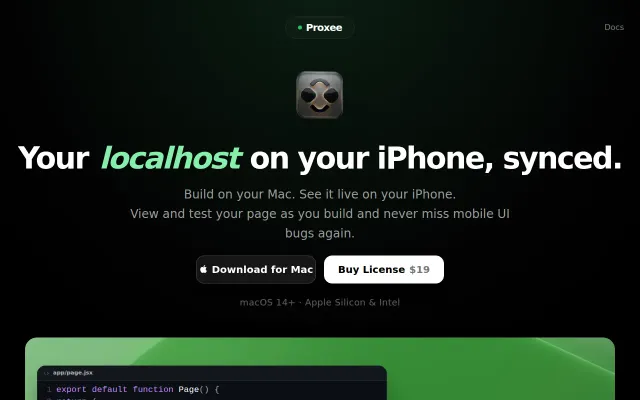
Proxee – Your localhost on your iPhone, synced
Scroll and nav sync across devices beats manual mobile testing workflows.
Solve My ProblemSlick
pio_dubro
531mo ago

Git sync for Obsidian writers who refuse to learn the command line.
Technical writers, Obsidian users, static site bloggers
GitHub Desktop · Tower · Obsidian Git
Point it at a folder, connect a GitHub repo, and it stages/commits/pushes/pulls. Multiple repos, editable commit messages, branch switching, merges with conflict detection. Shows open issue and PR counts per repo. But it's is not a full Git client (no diffs, blame, cherry-pick, or rebase) and it doesn't create remote repos.
Native macOS app (Swift/SwiftUI). Wraps the local git binary (prompts to install Xcode Command Line Tools if missing). No custom Git implementation. Sandboxed, no telemetry, GitHub-only.
macOS. 7-day trial, €9 one-time on the App Store.
Scroll and nav sync across devices beats manual mobile testing workflows.
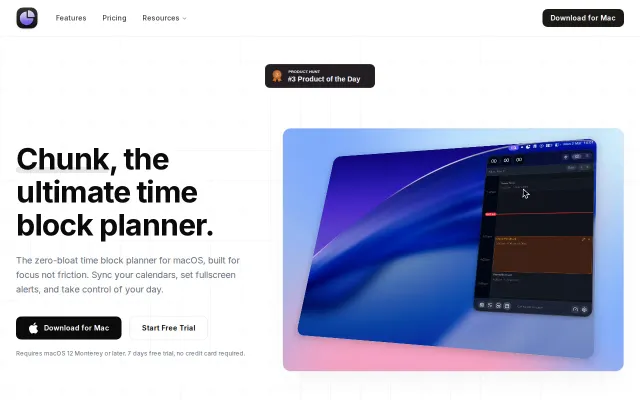
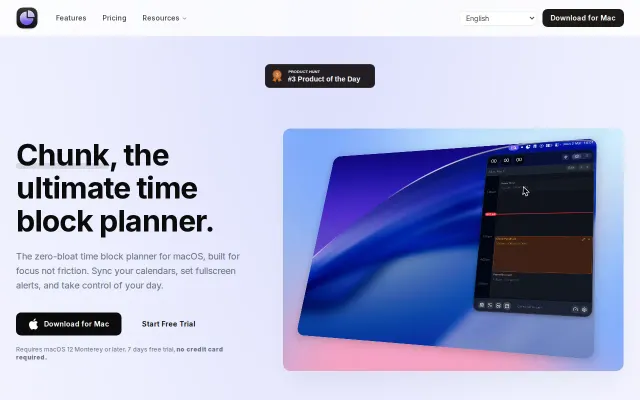
Menu bar time-blocking beats dashboard apps, but faces stiff competition from Sunsama.
Local MCP server lets Claude plan your day — native Mac app in a crowded time-blocking space.
TF-IDF search across your organized files sets this apart from Hazel.
Local audit trail for AI agents when nothing else tracks what they actually do.
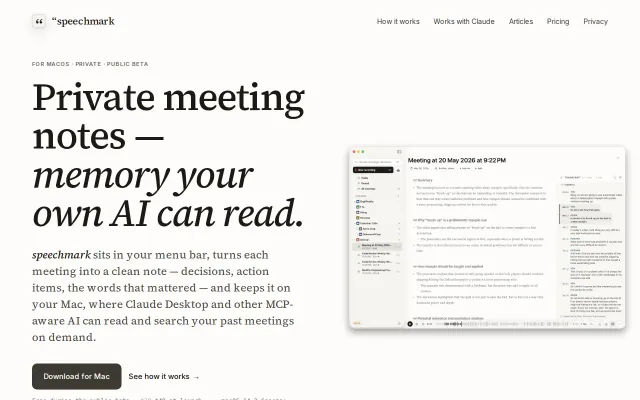
No-bot meeting recorder that turns transcripts into local memory for Claude.