Developer Tools●●●Banger
GEKO (up to 80% compute savings on LLM fine-tuning)
Mountain Curriculum routing: 5× compute to hard samples, skip mastered ones.
Big BrainWizardryShip It
SyedAbdurR2hman
114mo ago
Generate hands-on, multi-part technical tutorials on demand, with LLM skills tuned to make content approachable. Then you work through them yourself, by hand ✋
Uses LLMs to teach you instead of doing the work — inverts the usual AI assumption.
Developers wanting to learn new technologies with AI-guided tutorials
Cursor · Claude Code · Exercism
Lathe is an experiment in using LLMs to teach me something new, instead of doing the work for me. It generates a hands-on, source-backed tutorial for any technical topic you want to learn. Then you work through it yourself by reading and typing the code by hand (gasp) in a local UI built for exactly that.
It's a Go CLI plus LLM agent skills (Claude Code / Cursor / Codex). You prompt something like "/lathe build a 3D slicer in Erlang", run `lathe serve` to spin up a local webapp, and read it in your browser. Every tutorial comes with the things that have made self-learning a pleasant experience for me in the past:
- table of contents that follows along as you scroll - side-notes that nudge you to think - exercises for the reader - sources backing up the content that you can use to take you deeper
To help make up for the lack of human brainpower behind the tutorial, you can also ask questions about the content, have another LLM verify the tutorial actually compiles and runs, or extend it with another part (no more "Part 4 of 6" that hasn't seen an update since 2021).
I didn't build lathe to replace human-written tutorials. I built lathe because I _love_ human-written tutorials, but wanted to learn technical domains where no good human-written tutorial exists yet (building a 3D slicer from scratch, making embedded Zig approachable, etc). There's a longer story in the README about how I got started with programming through PSP homebrew tutorials, and why losing that to LLMs bugged me enough to build this.
I'm not here to sell you anything (there's nothing close to a VC-backed startup here :D). It's an LLM, and its output is usually good but not perfect by any means. So far, my experience is that because you're the one typing and actually engaged, you catch the weird stuff (and I'm finding that pushing back on it is its own kind of learning). And yes, it's vibecoded, because it's low scope, low risk, and scratching a personal itch. I run it on Claude Code + macOS personally, other setups should work but I haven't been able to verify them yet.
If you can find resources to learn something that was written by a human, read that first. But Lathe is here to fill in the gaps when that isn't the case, and I hope it serves as an example where LLMs can help us think better, rather than less.
Repo: https://github.com/devenjarvis/lathe
Would love your feedback if you decide to check it out!
Mountain Curriculum routing: 5× compute to hard samples, skip mastered ones.
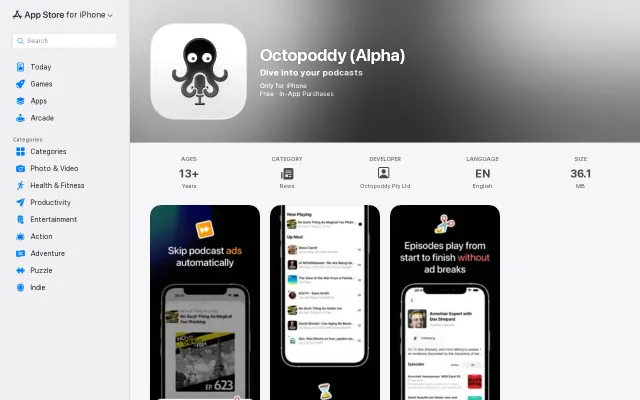
LLM-powered ad skipping for podcasts when Overcast only silences gaps.
Just a Substack essay about LLMs, not a tool or code project.
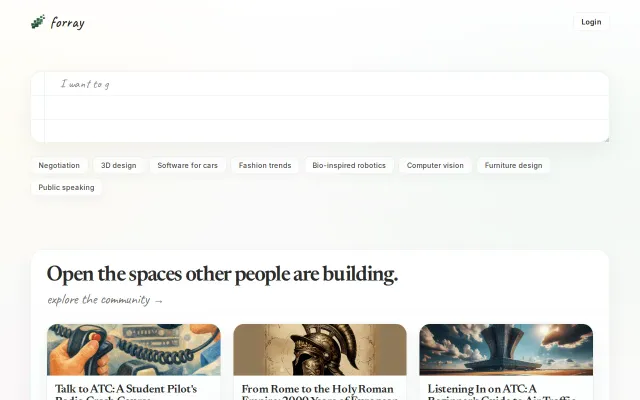
Visually impressive, but the agent still needs manual intervention to generate good visuals.
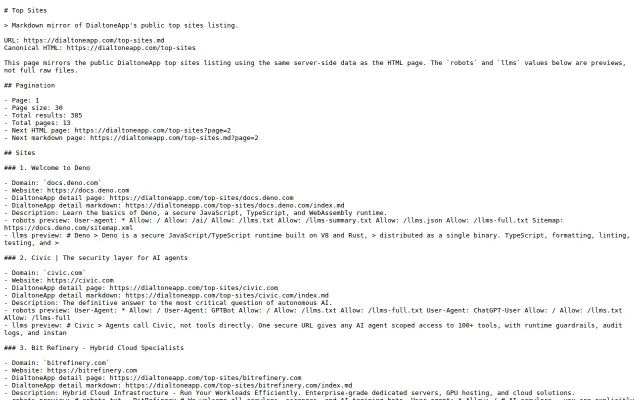
Validates llms.txt and AI robot rules before AI crawlers ignore your content.
95k CC0 vectors with JSON API when OpenClipart feels abandoned.