Gaming●Mid
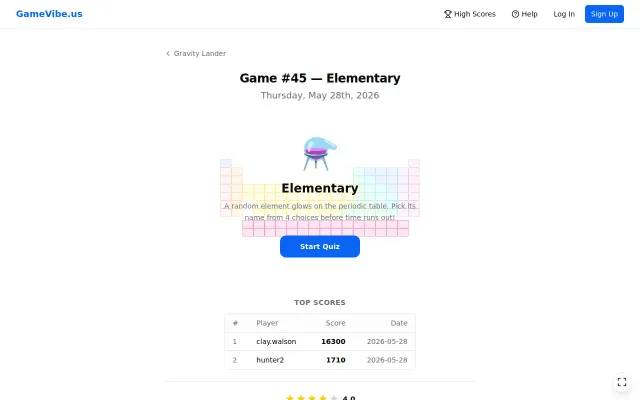
Daily vibe-coding video games, day 45: "Elementary"
Daily game streak is impressive, but periodic table quizzes are a solved educational game format.
CozyShip It
pzxc
1018d ago
Free times tables game for old iPads when ABCmouse and Khan Academy already exist.
Parents and teachers with kids learning multiplication
Khan Academy · ABCmouse · Prodigy Math
My son and his classmates are at the stage where they're tackling their times tables.
I noticed that a lot of families still have older iPads lying around (my son has an iPad Air 2, 2014), but many of the existing times tables apps either cost money or no longer support older versions of iOS, even though the devices themselves still work perfectly fine.
So over the weekend, I decided to build something for my son and his mates: a simple, engaging web game that runs on older and slower devices.
No downloads. No ads. No subscriptions. Just a free web game that works in your browser.
Introducing...
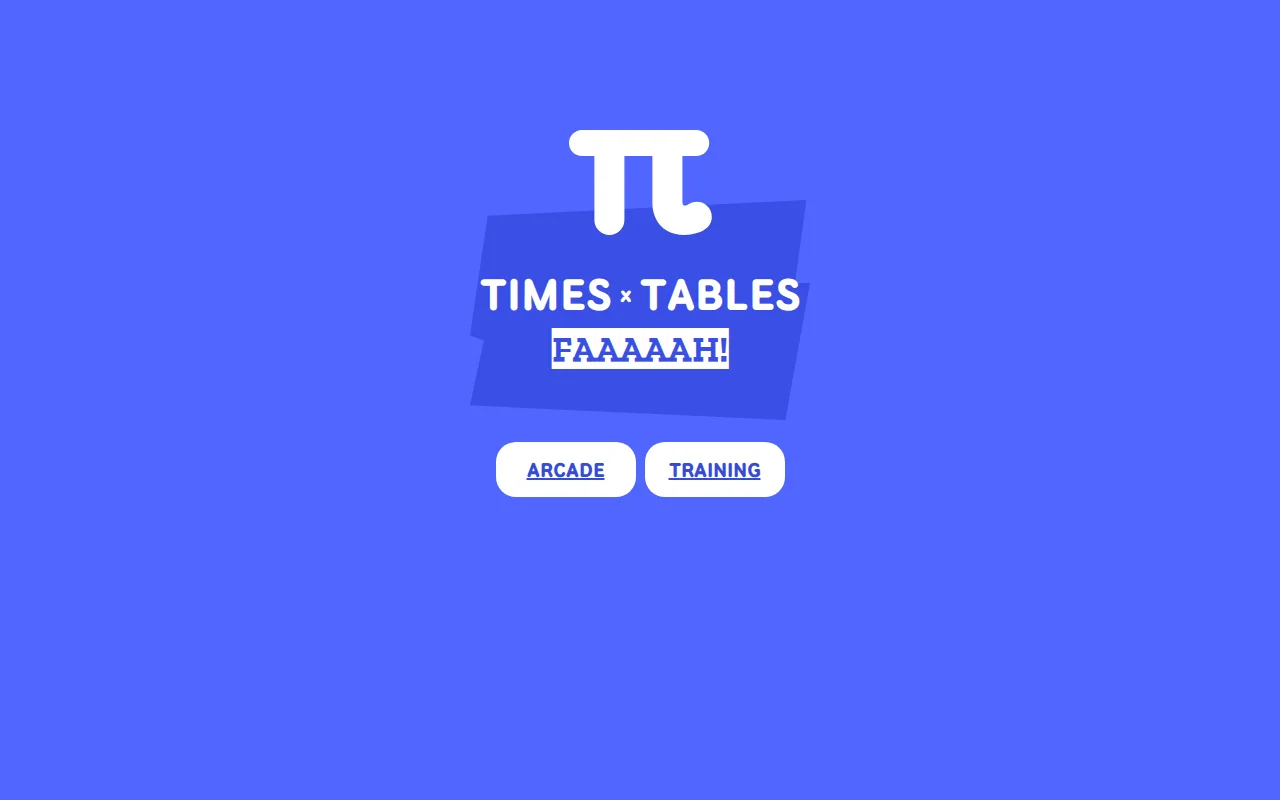
Times Tables FAH! timestablesfah.web.app
It's completely free to use, and I've included some familiar meme sounds to help keep kids engaged while they learn.
If you've got kids, or know someone who does that could benefit from this, I'd love for you to give it a try.
I hope it helps make practising times tables a little more fun and enjoyable.
Happy learning!
Daily game streak is impressive, but periodic table quizzes are a solved educational game format.
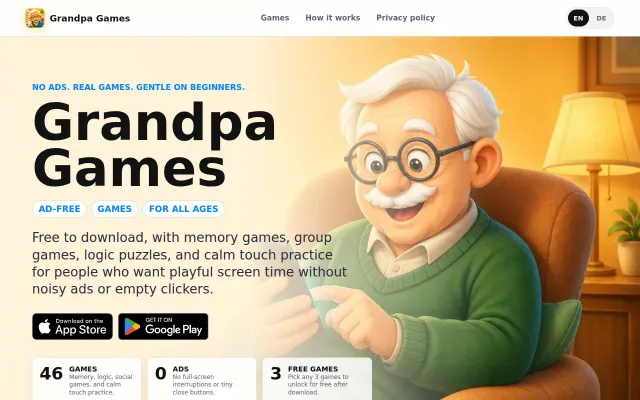
Heartfelt project, but Flutter game collections aren't technically novel.
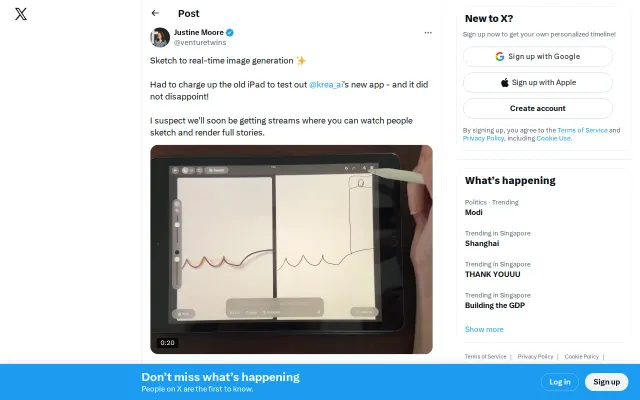
Brush strokes visibly morph into rendered frames at interactive framerates — you can sketch with the Pencil and watch models fill in detail in seconds. The split-canvas demo and immediate visual feedback are delightful for live creation, but the app currently relies on server-side inference (7–15 FPS claim) so expect latency, battery drain, and no offline option; great proof-of-concept for streamable creative workflows, not yet a local-tool replacement.
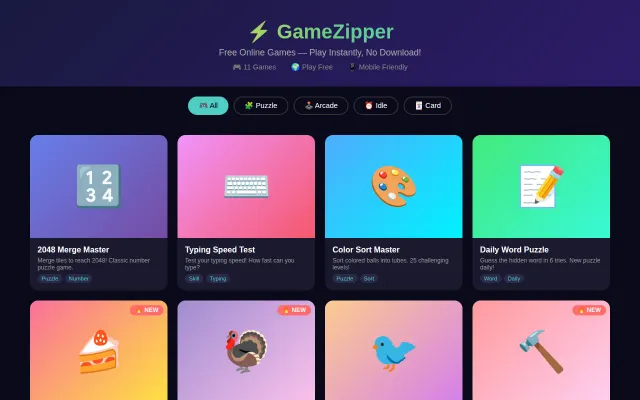
Clean game hub, but remove.bg/Coolors tier—these games exist elsewhere free.
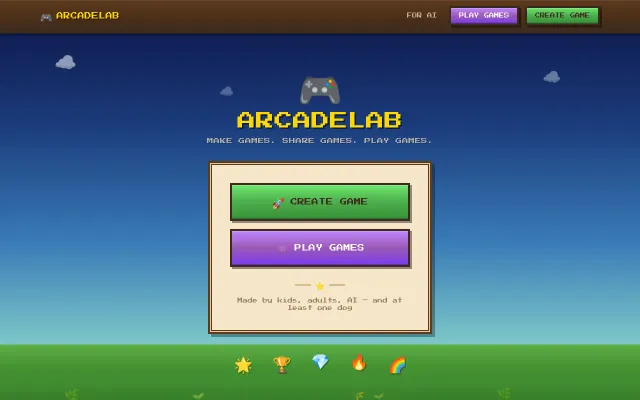
Zero-auth creator codes make sharing HTML games frictionless for kids and AI.
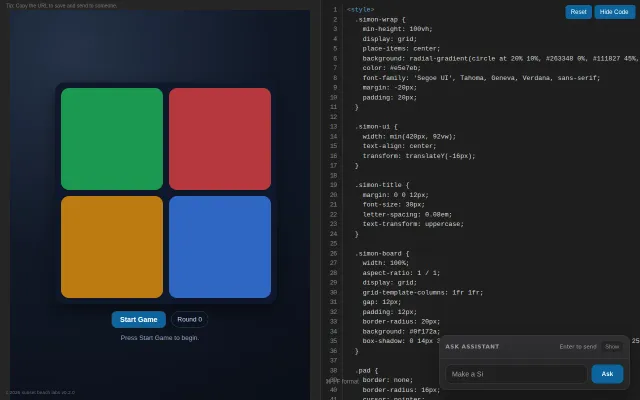
You get a single-file editor + live preview and an "Ask Assistant" pane so you can prompt or tweak a small game (the Simon board and WebAudio tones run in the browser). The interface is friendly and immediately usable for teaching or tinkering, but it's essentially a focused CodePen-style playground — useful and charming for lessons, not a novel platform — and would benefit from clearer onboarding, save/share, and structured exercises.