Developer Tools●●Solid
ReflowPDF – wrote a layout engine because every PDF library failed
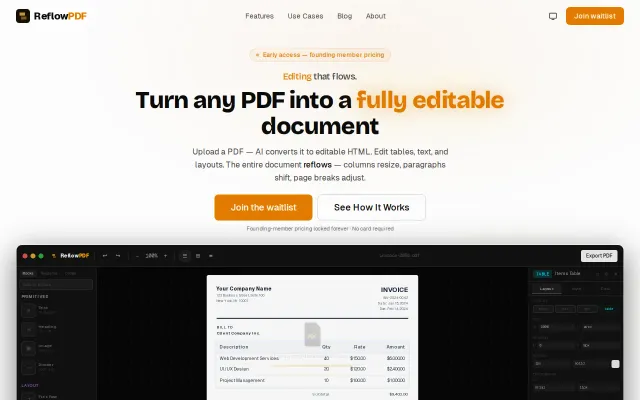
Structural reflow engine beats overlay editors like Adobe Acrobat for table editing.
Big BrainSolve My Problem
exsol
721mo ago
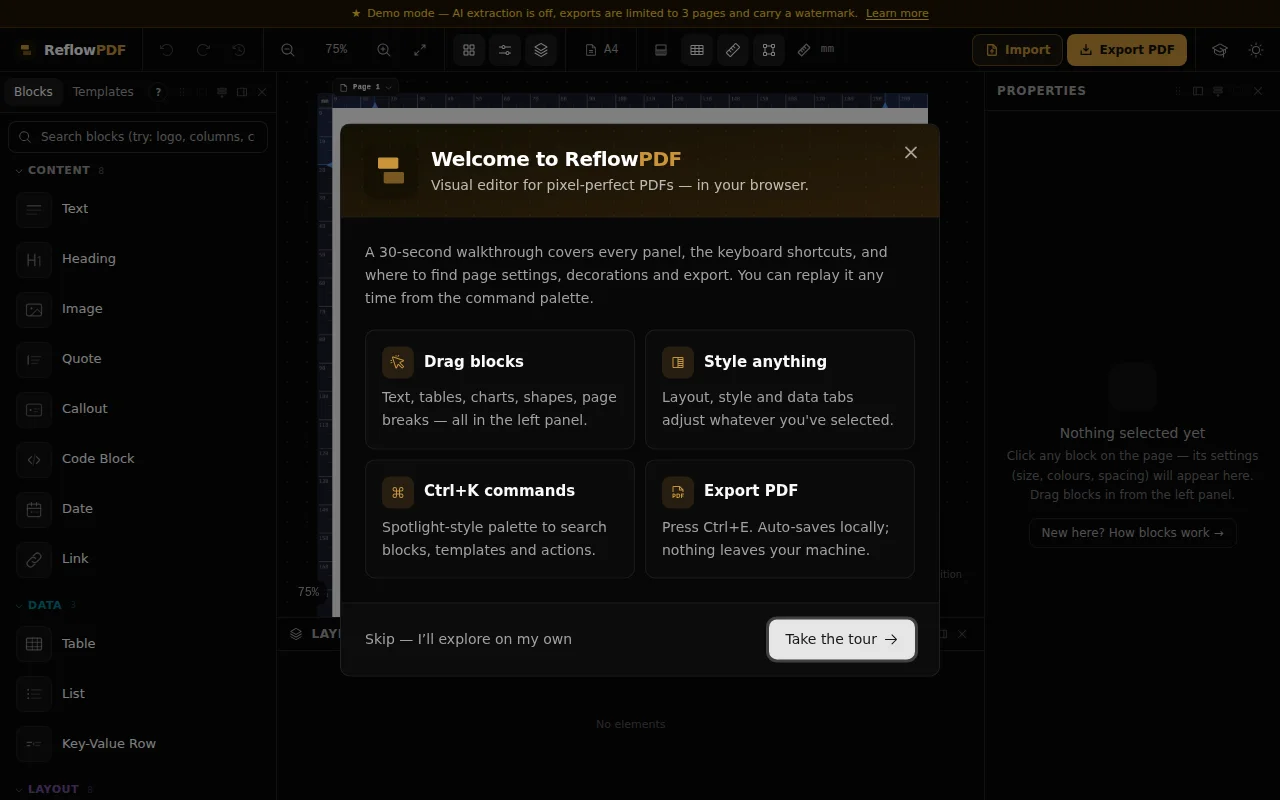
Real HTML tables under the hood—unlike Canva's coordinate-based boxes that break when you edit.
Translators, marketers, anyone who needs to edit PDF content without breaking layout
Canva · Adobe Acrobat Online · DocRaptor
reflowpdf edits pdfs in the browser. almost every other browser pdf tool edits by dropping absolutely positioned text boxes on top of the page. fine until you touch anything. delete a row and the rows under it just sit there, because there's no table, there's a stack of boxes at fixed coordinates.
i wanted editing a pdf to feel like editing a document. so under the hood it's real semantic html. tables are actual <table>/<tr>/<td>, so when you add rows the table can run off the page, break onto the next one and repeat the header. make a paragraph longer and the stuff below it moves down like you'd expect.
turns out the people this matters most for are translators (the same sentence is a different length in every language, so a fixed layout falls apart the second you edit) and people who got handed an accessibility requirement, eaa in europe or ada title ii in the us, and need tagged pdfs without remediating by hand in acrobat.
the renderer is what i actually spent two years on. php, written from scratch, no dependencies, around 3300 tests. it does flexbox, grid and most modern css. i couldn't find another php engine that does that (dompdf is basically css 2.1, and the chrome based tools print a page fine but don't give you reliable tagged output). exports pass verapdf for pdf/ua-1 and pdf/a-3a with zero failures on native and template exports. i won't say "certified accessible", that's a human call, but the machine checkable structure comes out clean.
one thing i'm happy with: the exported pdf carries its own source. the editable html sits inside the file as an encrypted attachment, embedded so the file stays pdf/a-3 valid. the pdf you download is the same file you reopen to edit, and the engine parses it back into the exact same layout, spacing and positions you had. no account needed, and i don't keep your files.
the tagged pdf/ua-1 export is in the free demo, so you can edit something, export it and check the tags yourself without paying. the pdf/a-3a archival export, the one with the source embedded for the round-trip, is on the paid tier. the file i'm attaching is a real export that passes both ua-1 and a-3a, so you can drop it into verapdf to check either one, and reopen it in the editor to see the round-trip come back: https://reflowpdf.com/files/reflow-field-report.pdf
that pdf is generated from this html, if you want to see what the engine actually emits: https://reflowpdf.com/files/reflow-field-report.html
importing an arbitrary third party pdf and turning it into this editable structure is a separate, ai assisted path. it's in beta and works well enough on simple documents, but it's not what the demo runs on, so i'm not leaning on it here. the demo and the round-trip are pure engine, no ai.
demo, no signup: https://demo.reflowpdf.com
i built a template just for this thread so the reflow is obvious. add or delete some rows and watch the table break across pages, the grid section under it reflows too: https://demo.reflowpdf.com/?template=custom-reflow-field-rep...
honestly i mostly want to put this in front of people who get what it took. parity between the editor and the final pdf means everything lines up at once, font metrics, nested elements, style inheritance, pagination, splitting a block across a page boundary. editor equals pdf, and it actually holds. stuff breaks sometimes, but because it's my own engine i can trace any glitch down to the coordinate and fix it fast. curious what people think.
Structural reflow engine beats overlay editors like Adobe Acrobat for table editing.
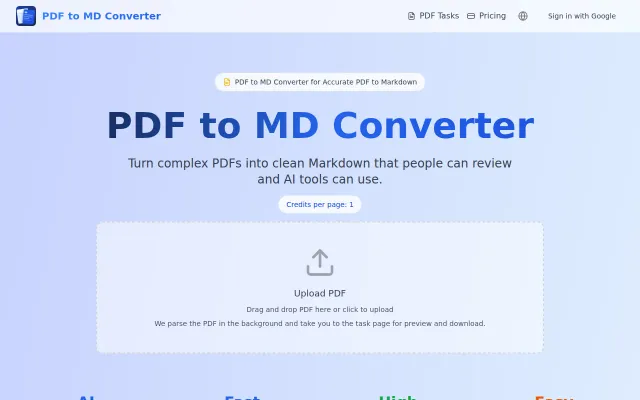
PDF-to-Markdown for LLMs when JinaAI and Firecrawl already exist.
TOC preservation is nice, but PDF dark mode converters already exist everywhere.
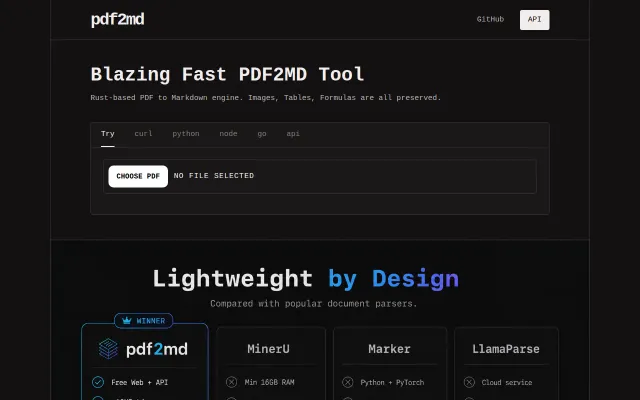
Rust-based PDF parser that keeps tables intact for LLM ingestion.
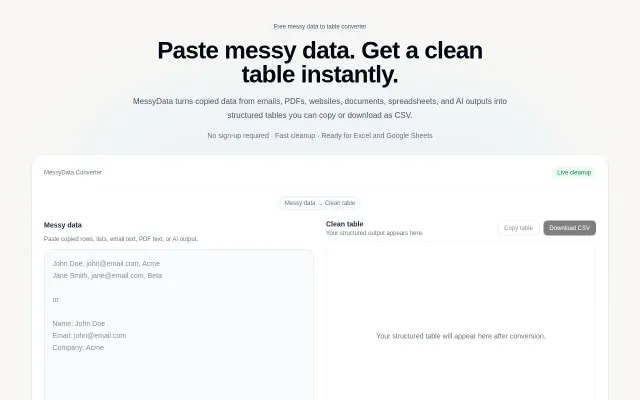
Useful for quick cleanup, but JinaAI and LLMs already handle this natively.
DeepSeek-OCR–inspired visual tokenization saves 40% tokens vs text, with academic validation.