Gaming●Mid
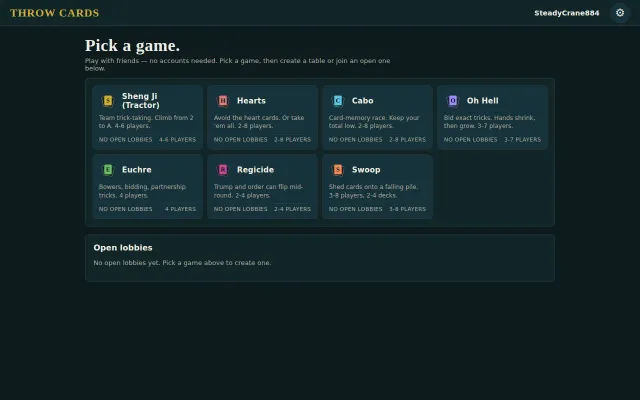
Traditional Card Game Website
No-account multiplayer for niche card games like Sheng Ji.
CozyShip It
Kyselica
101mo ago
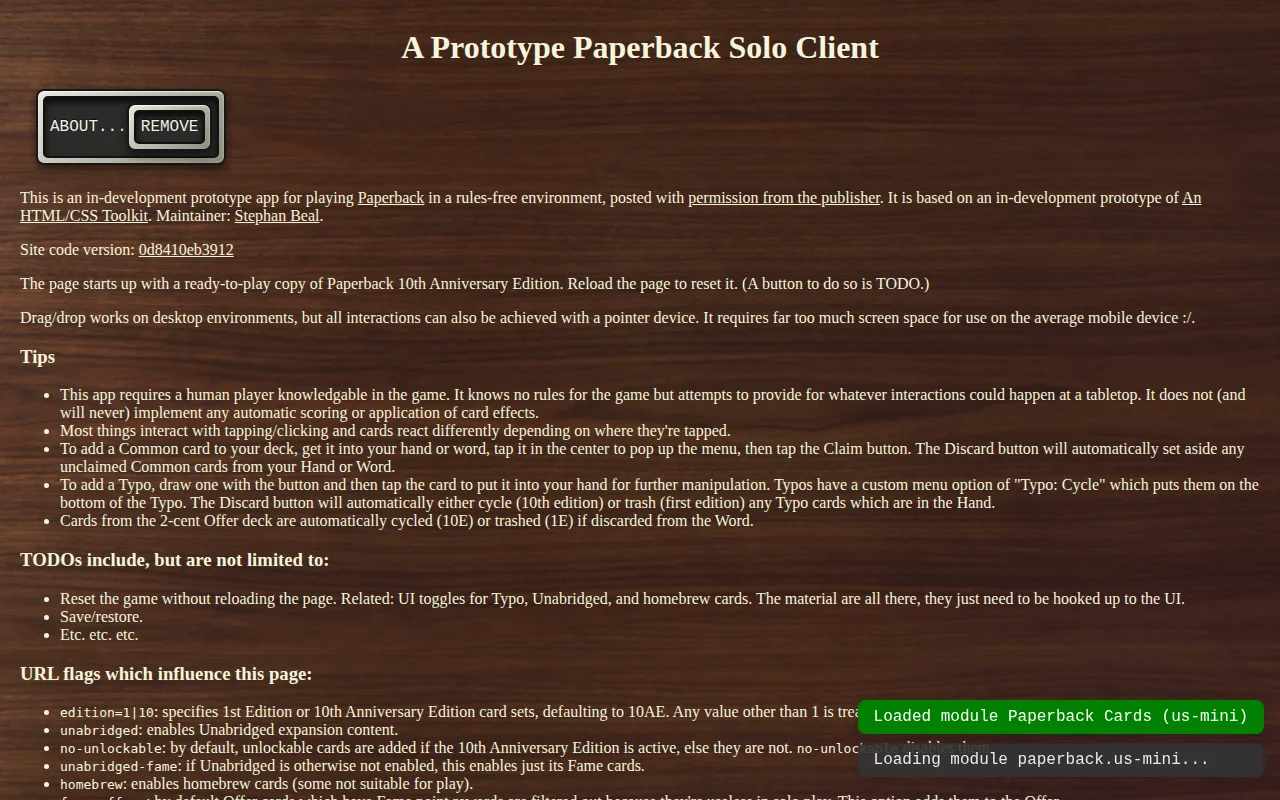
Official assets and solo mode without the official app's dictionary restrictions.
Fans of the Paperback tabletop game
Tabletop Simulator · Board Game Arena
Tim Fowers, creator and publisher of the game, has given me permission to post my homemade electronic copy of the game (initially built so that i could print-and-play a copy with "US-Mini" size cards), and recently sent me (much to my surprise) the publisher's official graphical assets and an invitation to use them in this little side-project(!!!).
The version housed at that link has a known bug or two (there's one too many 7-cent W's, for one thing) but it's otherwise believed to be usable for its intended purpose: allowing an experienced Paperback player to sit and play solo mode without the app interfering rules- or dictionary-wise. (My only real fuss about their official app is the locked dictionary. It does not allow the word "pawn", nor a wide range of other perfectly viable words. Secondarily, i'd like to be able to customize the game more and remove all of those annoying "Q" cards (who buys "Q" cards?!?!?).)
Currently resetting the game requires reloading the page, which generates a ready-to-run game setup. See the top of that page for URL arguments which change various options (if you want huge "US Standard"-sized cards on a 32-inch 4k screen, pass the "big" URL option). UI widgets for doing that are on the near-term TODO list. It does not currently support saving/loading, but that's underway (and very closely tied to the game state reset).
It's in active development and i'm particularly interested in squeezing the UI down to fit more comfortably on a 10-inch table (where it's usable but a tiny bit fidgety due to scrolling). It's way, way too big for phones, though.
This is part of a larger project consolidating 6 or 8 years' worth of disparate card-generation tools for tabletop games, and this app is the first "end user" app (as opposed to maintainer apps) written for that toolkit. It may well be the only app i've written, in 30-odd years, which is not entirely dog-ugly.
Happy Spelling!
No-account multiplayer for niche card games like Sheng Ji.
Balatro-inspired CRT aesthetic, but daily puzzle genre is already saturated.
Parses Oracle text into live effects instead of hardcoding 20k+ cards like XMage does.
Shithead on the web, but the market for niche card games online is thin.
Fixed-latency language-rule decisions beat traditional token-by-token LLM agents.
Simultaneous card resolution with rotatable soldier cards creates genuine spatial strategy.