Productivity●●Solid
SpeechDock – Transcribe any audio on your Mac, not just your microphone
System audio transcription without API keys—but Whisper Desktop and Otter do this already, better-known.
Solve My ProblemCozy
yohasebe
204mo ago
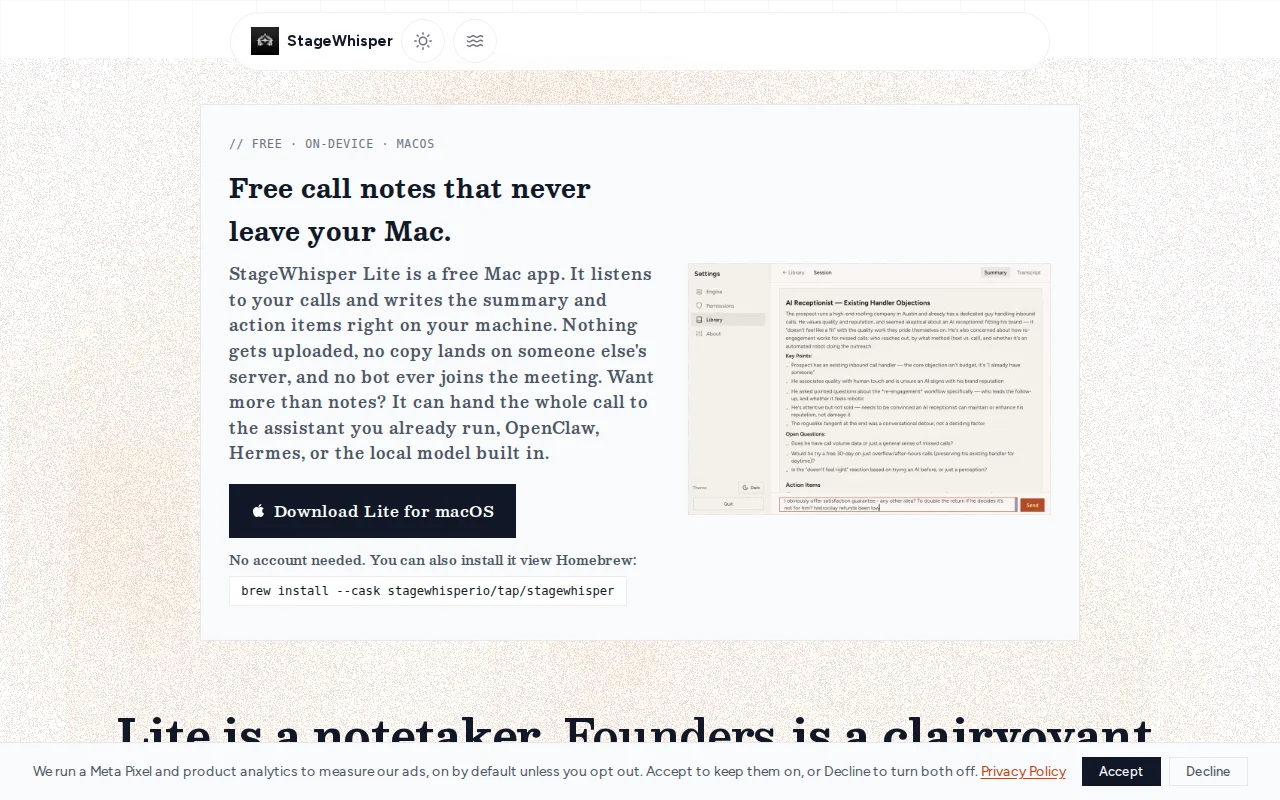
Fully on-device transcription with BYO AI agents beats cloud competitors on privacy.
Freelancers and remote workers needing private meeting notes
Otter.ai · Fireflies.ai · Fathom
About me: my name is Piotr. I'm having plenty of calls as a freelancing programmer, and have interest in audio domain, so it was natural for me to pick this as my side project. I struggled a bit with echo cancellation, and writing idiomatic plugins to let users use their OpenClaw or Hermes agents as BYO AI (basically backend). I started project coding Tauri app by hand, only after establishing architecture I started leaning on AI coding agents. I use Claude Code with https://github.com/openai/codex-plugin-cc for "adversarial-reviews".
On the website I've included an offer to upgrade StageWhisper Lite to Founders edition with one-time payment: this give screen reading (via accessibility tree) and proactive, two-way communication - that is, your connected agent can provide suggestions by listening to audio (Cluely style), and you can chat with it during the call. Again, you bring your own AI, so Founders is a single payment, no subscription offer.
Both apps include MCP and in-app chat with your transcripts and meeting notes. Both also allow to connect any model downloaded from HF or connecting OpenClaw/Hermes.
I created StageWhisper Lite & Founders to test business feasibility of one-time payment AI apps that have no marginal costs (you either use local model or your own assistant).
I hope you will enjoy free Lite app and consider upgrading to Founders.
System audio transcription without API keys—but Whisper Desktop and Otter do this already, better-known.
Transparent macOS desktop pet reads books and translates screens using OpenAI Realtime.
Per-agent container isolation with separate networks beats shared-instance chaos.
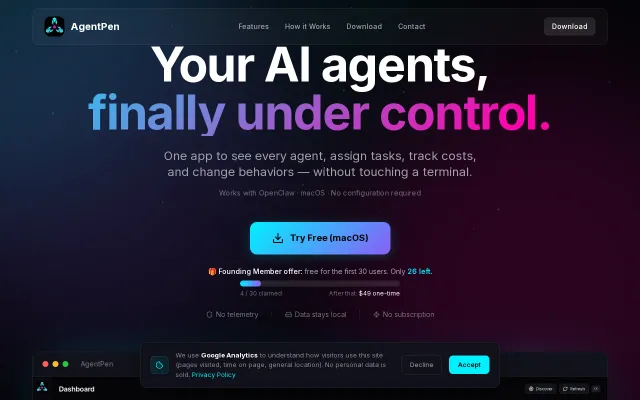
OpenClaw management without SSH: cost tracking, task kanban, and one-click VPS deploy.
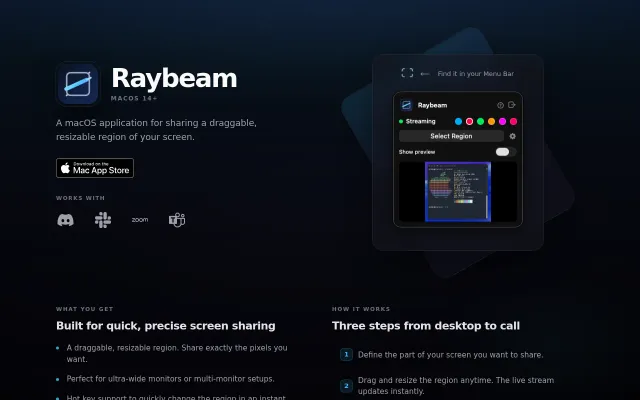
Virtual camera output for draggable screen regions solves the ultra-wide monitor sharing pain.
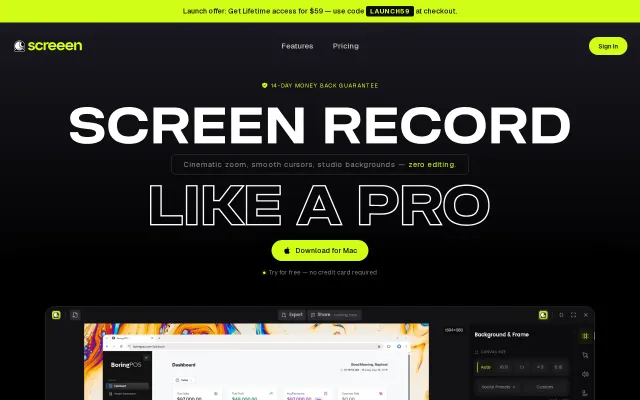
Auto-zoom on clicks is neat, but Loom and ScreenFlow already own this space.